Starting custom apparel printing alongside your embroidery projects? Confused by DTF vs DTG printing methods? Beginners often struggle choosing the right one for vibrant prints on any fabric.
This guide breaks down key differences in processes, costs, and compatibility-plus step-by-step workflows using tools like DTFlex. Discover which delivers better quality and speed for your needs.
Key Takeaways:
What Are DTF and DTG Printing?
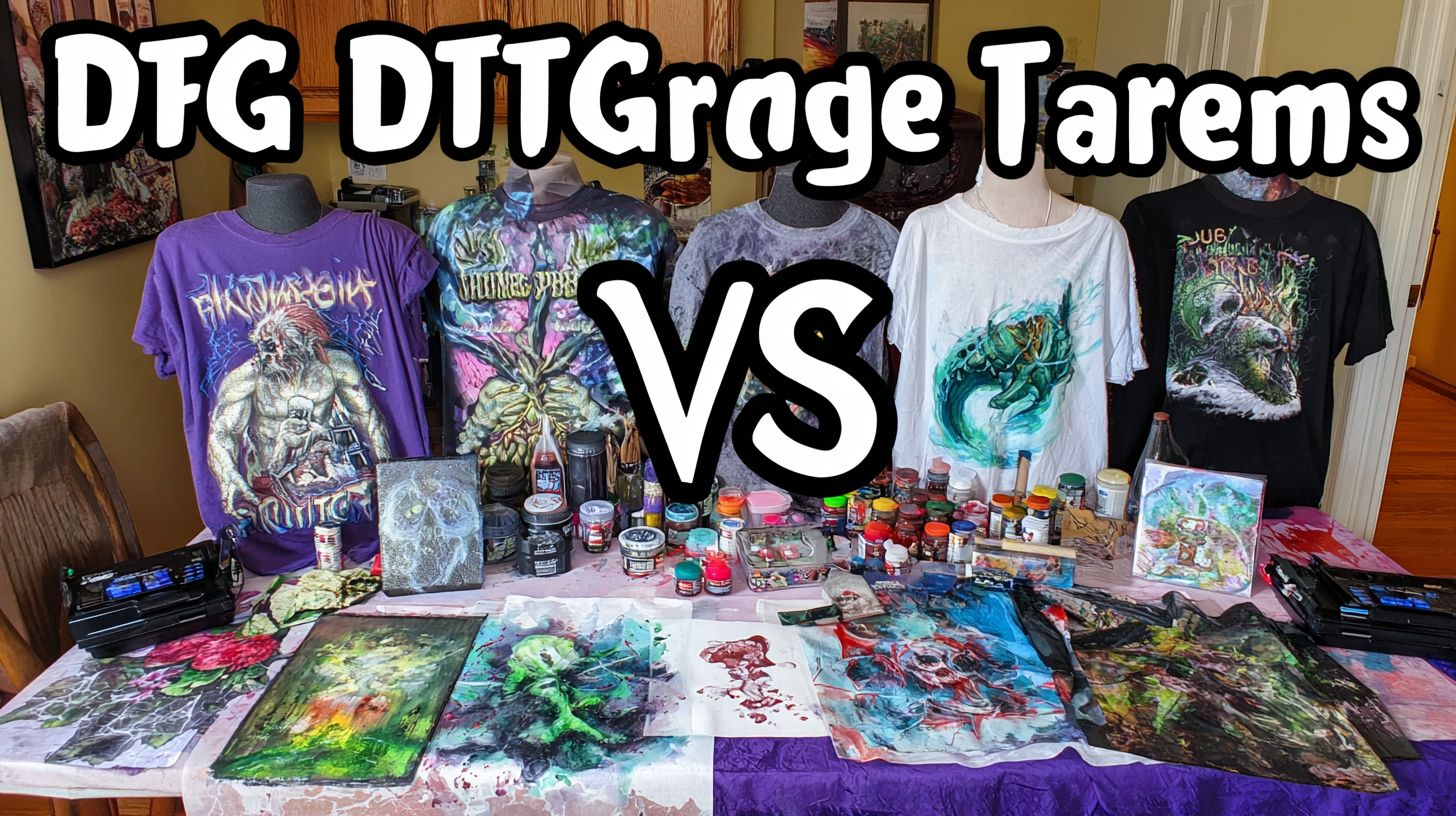
DTF (Direct to Film) and DTG (Direct to Garment) printing are advanced inkjet technologies transforming custom apparel production, with DTF using transferable film prints and DTG applying inks directly to fabrics for vibrant, durable results on t-shirts, hoodies, and more.
DTF printing works as a heat press transfer method ideal for versatile fabrics like polyester, nylon, and blends. It shines in on-demand production (POD) for small orders with complexity designs. Services like Printful use it for quick turnaround on tote bags and fleece items.
DTG printing excels on cotton and natural fibers, offering a soft hand feel and breathable quality. Printers like the Epson F2270 enable direct fabric printing for photorealistic graphics. Both methods support POD growth, making custom apparel accessible without bulk runs.
These techniques differ in application but share water-based inks for eco-friendly, washable prints. DTF handles gradients and synthetics better, while DTG provides sharp details on cotton. Choose based on fabric type and design complexity for optimal results.
DTF Printing Defined
DTF printing involves printing designs with water-based inks onto a special PET film, applying adhesive powder, curing it, and heat press ing the design onto garments for sharp, washable prints on cotton, polyester, fleece, and blends.
This heat press transfer method offers versatility for small orders and complex gradients. It works well on fabrics like nylon or bamboo, where direct printing struggles. Prints stay durable through washes, maintaining vibrant colors on blends.
For example, create full-color graphics on tote bags that hold up over many uses. The process suits POD setups with heat press and dryer for curing powder. Experts recommend it for details designs on non-cotton items.
DTF provides sharp details and flexibility without pretreatment, unlike other methods. Use it for hoodies or athletic wear needing stretch. This makes it a go-to for custom shops handling varied fabrics.
DTG Printing Defined
DTG printing sprays water-based inks directly onto pre-treatment fabrics using modified Epson printers like the Epson F2270, then cures them for soft, breathable prints that excel on natural fibers like cotton t-shirts and hoodies.
The process starts with pre-treatment to help inks bond, followed by direct inkjet printing and curing in a dryer. It delivers high color vibrancy and a soft hand feel on cotton. Limitations appear on synthetics, where inks may not adhere well.
Consider photorealistic photos on fleece with fine details intact. Brands like OmniPrint offer reliable DTG setups for quality output. This method suits bulk cotton runs but adapts to small orders in POD.
DTG prints feel breathable and eco-friendly, ideal for everyday wear. Use a platen for even printing on garments. It handles complex designs on natural fabrics, providing durable, washable results.
Key Differences Between DTF and DTG Printing
DTF and DTG differ fundamentally in application method, materials, and fabric versatility, impacting everything from setup to output quality on garments like t-shirts and tote bags.
DTF relies on an indirect process with film and powder for transfers, making it ideal for bulk preparation and diverse fabrics. DTG uses a direct inkjet method with pretreatment, best for cotton-focused on-demand printing.
These contrasts affect production speed, durability, and design complexity. The sections below break down processes, inks, and fabric options to help you choose based on your needs, like vibrant graphics on polyester or soft prints on hoodies.
Understanding these helps in print-on-demand decisions, balancing versatility against breathable quality for items like fleece jackets or tote bags.
Difference in Printing Process
DTF prints designs on film before transfer, allowing bulk preparation, while DTG prints directly on each garment after pretreatment, suiting on-demand runs.
With DTF, you print onto PET film, apply adhesive powder, cure it in a dryer, then heat press the design onto fabric. This batch-friendly approach cuts prep time for small orders, making it faster overall for custom t-shirts.
| Aspect | DTF | DTG |
|---|---|---|
| Process | Film + powder + heat press transfer | Pre-treatment + direct inkjet + cure |
| Prep Time | Batch-friendly 5-10 min | Per-garment 2-3 min |
| Equipment | DTF printer + heat press | DTG printer + platen + dryer |
DTF shines for small orders with quick transfers, while DTG handles complex gradients directly but requires garment-specific setup each time.
Difference in Ink and Materials
DTF uses water-based inks with hot-melt adhesive powder on film for stretchable prints, whereas DTG relies on pre-treatment solution and CMYK inks for direct fabric absorption.
DTF’s PET film and powder create vibrant, durable designs that flex on fabrics like blends. DTG inks absorb into cotton for a soft, breathable feel, but need pretreatment for adhesion.
Both methods use eco-friendly water-based inks, yet DTF powder boosts wash durability on synthetics. For photos or fine art graphics, DTF delivers sharp details without fading.
Choose DTF for versatile production on tote bags, DTG for natural cotton hoodies seeking soft hand-feel.
Difference in Fabric Compatibility
DTF excels on diverse fabrics including polyester, fleece, nylon, and blends, while DTG performs best on natural cotton and some blends but struggles with synthetics.
DTF transfers work on 100% polyester t-shirts with vibrant, lasting colors. DTG often fades on synthetics without heavy pre-treatment.
- DTF: cotton, polyester, fleece, blends, tote bags
- DTG: cotton, some polyester blends, hoodies
For complex designs on nylon jackets, DTF ensures quality. DTG suits cotton tees for breathable, on-demand POD runs.
DTF vs DTG: Cost Comparison for Beginners
For beginners, DTF offers lower entry barriers with setup under $2,000 versus DTG‘s $10,000+ DTG printers, making it ideal for small orders and testing prints. Average costs from POD industry data, like Printful pricing, show DTF per-print at $1-2 while DTG runs $3-5. This gap helps new users start on-demand production without heavy investment.
DTF uses film and powder for transfers, keeping expenses low on versatile fabrics like cotton, polyester, and fleece. DTG relies on water-based inks and pre-treatment, which adds to ongoing needs. Beginners save with DTF for complex designs and vibrant colors on blends.
Preview shows initial setup costs favor DTF for home setups, while per-print costs highlight DTF wins on small orders. Bulk savings emerge with DTG for large runs. Experts recommend DTF for testing graphics and photos before scaling.
Both methods produce durable, washable prints, but DTF’s adhesive powder and heat press process cuts waste. Consider garment type for breathable, soft hand feel. This comparison guides beginners toward cost-effective print quality.
Initial Setup Costs
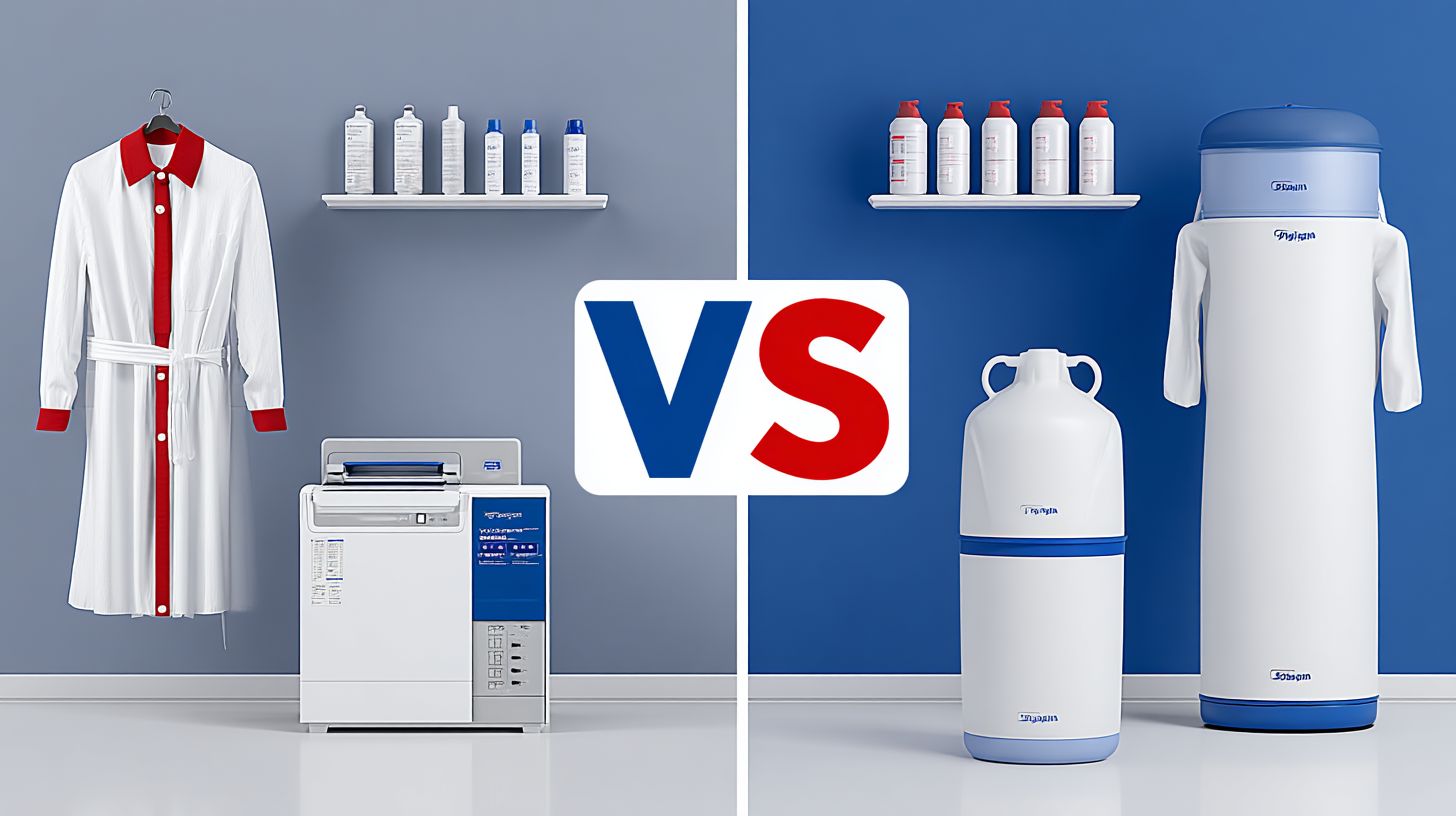
DTF startup costs range $1,000-$3,000 including DTF printer, film, powder, and heat press, compared to DTG’s $8,000-$20,000 for printers like Epson F2270 plus pretreatment machine. This makes DTF beginner-friendly for home setups. You can start printing on cotton t-shirts or polyester hoodies quickly.
| Item | DTF Cost | DTG Cost |
|---|---|---|
| Printer | $800 | $12,000 |
| Heat Press | $300 | $300 |
| Supplies | $200/month | $500/month |
DTF needs a platen and dryer for transfers, but totals stay low. DTG requires extra for pre-treatment solution and maintenance. Focus on eco-friendly inks for both to ensure durable prints on fleece blends.
Practical advice: Buy a basic DTF kit for small orders and sharp details. DTG suits if planning high-volume production. Test gradients on sample garments first.
Per-Print Costs (Photos, Fine Art, Graphics)
DTF per-print costs $1-2 for 12×12″ designs on film, dropping to $0.50 in bulk, while DTG averages $3-5 due to pretreatment and ink per garment. For example, DTF uses film $0.30 + ink/powder $0.70 = $1. DTG adds pretreat $1 + ink $2 = $3 total.
DTF shines for small orders with low waste on diverse fabrics like nylon blends or linen. DTG gains economies in bulk, reducing ink costs per vibrant photo print. Choose based on order size for best print quality.
Factors include design complexity and colors; DTF handles fine art graphics efficiently. DTG excels on natural cotton for soft, breathable feel. Track supplies like powder and inks to optimize.
Actionable tip: Run DTF for custom one-offs and prototypes. Switch to DTG for repeat bulk runs on polyester. Both deliver washable durability with proper heat press settings.
How Does DTF Printing Work Step-by-Step?
DTF printing delivers vibrant, durable prints through a 4-step process from design to garment-ready transfer, perfect for beginners handling polyester hoodies or cotton blends.
This method uses a DTF printer like OmniPrint and heat press for small orders, taking about 15-20 minutes per print. It excels on diverse fabrics like fleece or blends, offering versatile results without pre-treatment.
Start with design prep, print on film, apply adhesive powder, then transfer via heat press. Beginners appreciate its on-demand production for custom graphics or photos.
Compared to DTG printing, DTF skips direct fabric inking, making it eco-friendly with water-based inks. Expect sharp details and washable durability on any garment.
Step 1: Design Preparation
1. Create or import high-resolution design (300 DPI, PNG with transparency) in software, mirror it for transfer, and size to garment (e.g., 10×12″ for t-shirts).
Set to CMYK mode for accurate colors, taking about 2 minutes. Use preview tools to check gradients and fine details before printing.
- Import PNG file at 300 DPI.
- Mirror the image horizontally.
- Preview and adjust sizing for the platen.
A common mistake is low-res images, causing blurry prints. Test on scrap film first for complexity in designs like photos or fine art. Total time: around 5 minutes.
Step 2: Printing on Film
2. Load PET film into DTF printer, select high-quality mode, and print white underbase + CMYK design using water-based inks (3-5 min per sheet).
Calibrate the printer first for even ink flow. Print the white layer before CMYK to ensure vibrant colors on dark fabrics.
- Load film sheet shiny side up.
- Print white ink foundation.
- Overprint CMYK layers.
Avoid over-inking to prevent smudges on breathable transfers. This step supports sharp details for graphics on polyester or natural fabrics. Expect consistent quality with proper setup.
Step 3: Powder Application and Curing
3. Shake adhesive powder evenly over wet ink, shake off excess, and cure in shaker/dryer at 300 degreesF for 2-3 min to form flexible film.
Apply powder uniformly for strong bonding. Cure time is 2-4 minutes, followed by 1 minute cooling.
- Pour powder over fresh print.
- Shake off loose particles.
- Cure in heat dryer.
Uneven powder leads to peeling issues, so test for scratch resistance. This creates a soft, durable layer ideal for DTF on fleece or blends. Handle carefully to maintain washable results.
Step 4: Heat Press Transfer
4. Preheat garment, position film (DTFlex) design-side down, heat press at 320 degreesF for 12-15 seconds medium pressure, then peel hot for vibrant transfer.
Preheat platen for 5 seconds first. Press 12-15 seconds, peel while hot, then re-press 5 seconds for adhesion.
- Preheat garment 5 seconds.
- Apply film and press.
- Hot peel immediately.
- Re-press to set.
Cold peeling causes weak bonds, reducing durability. This final step takes about 1 minute, yielding soft-hand feel on cotton or polyester. Perfect for bulk small orders or custom POD.
How Does DTG Printing Work Step-by-Step?
DTG printing applies inks directly to fabric in 3 steps, yielding soft-hand prints on cotton t-shirts but requiring more per-garment prep time. Expect 10-15 minutes per print from pretreatment to curing, making it ideal for on-demand production of small orders with complex designs and gradients, rivaling screen printing. Unlike DTF’s batching for bulk runs, DTG suits print-on-demand services like Printful for custom, vibrant graphics on breathable cotton or blends.
This direct-to-garment method uses water-based inks for a natural feel, perfect for photos and fine art details. Garments need precise handling to avoid issues like ink washout. It excels on cotton and some polyester blends but demands more setup than DTF transfers.
Experts recommend DTG for high-quality, versatile prints that stay sharp after washes. Compare this to DTF, where adhesive film and powder enable faster production on fleece or darker fabrics. Choose DTG for eco-friendly, durable results in low-volume POD.
Each step builds toward washable, soft prints that rival screen printing in detail. Monitor fabric types closely for best outcomes. This process highlights DTG’s strength in customization over DTF’s speed for bulk.
Step 1: Pretreatment Application
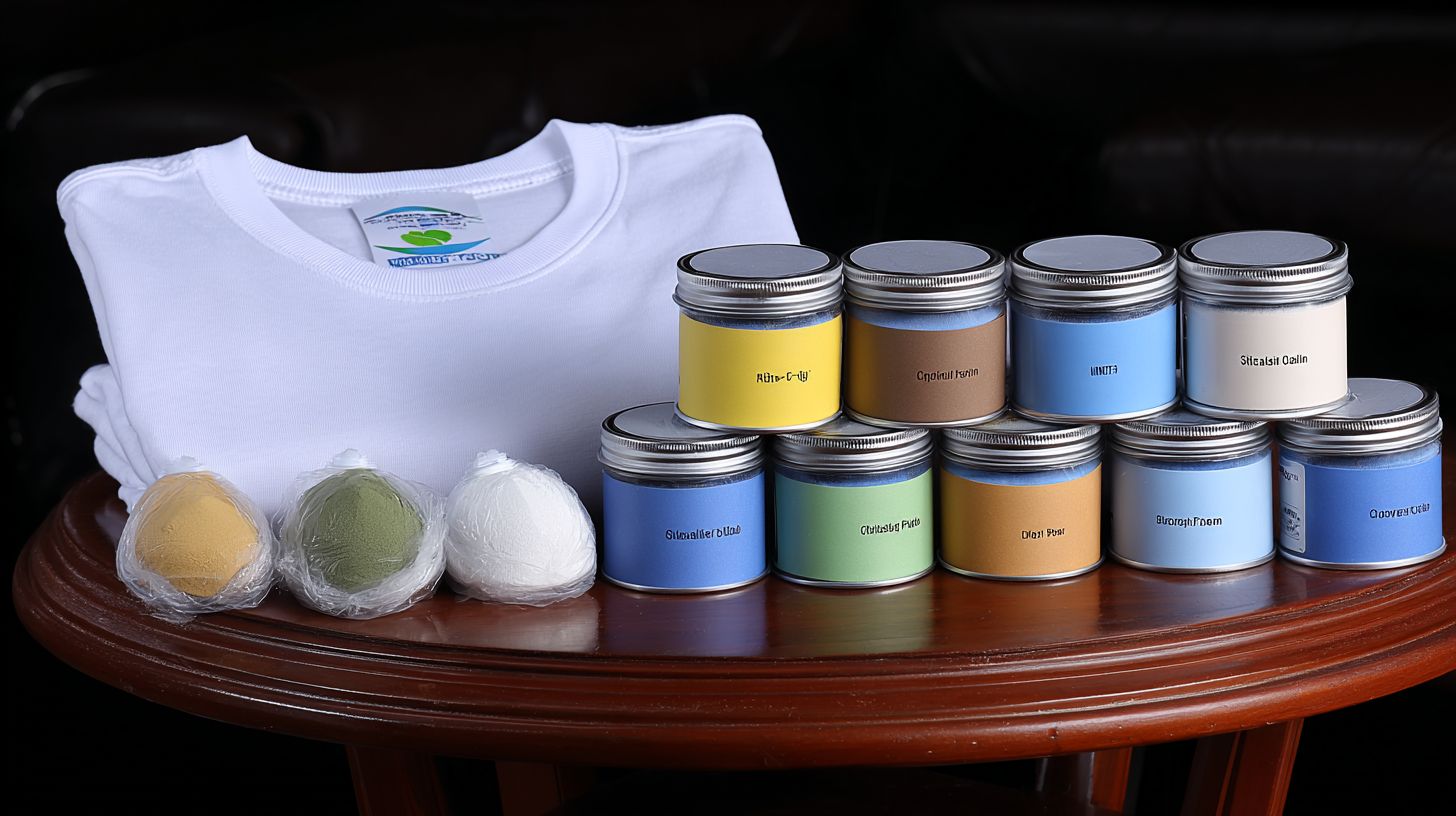
1. Spray or mist pretreatment solution evenly on garment’s print area using a pretreat machine or spray bottle, then heat press at 350 degreesF for 30-60 sec to dry. Apply differently for light and dark fabrics to ensure ink adhesion. This step takes about 2 minutes total, including cooling.
Insufficient pretreat causes ink washout during laundering, ruining designs. For cotton tees, use a light mist on whites and heavier on colors. Always let the garment cool fully before printing to prevent blurring.
Practical tip: Test pretreatment on scrap fabric first, especially for blends or fleece. Machines like automated sprayers speed up consistency for small orders. This prep makes DTG prints durable and vibrant compared to DTF film prep.
Focus on even coverage for sharp details in photos or graphics. Dark fabrics need more solution for white ink layers. Proper drying sets the stage for high-quality, breathable results.
Step 2: Direct Inkjet Printing
2. Load pretreated garment onto DTG printer platen (e.g., Epson F2270 or Kornit), align design, and print white + CMYK layers in high-resolution mode (5-8 min). Secure firmly to avoid fabric shift, which blurs fine details. Make multiple passes, typically 6-12, for full coverage.
Monitor ink levels closely during printing to prevent mid-job failures. Water-based inks build vibrant colors and gradients directly on fabric. This step shines for complex designs like fine art portraits on cotton.
Avoid shifting by using adhesive spray on the platen for polyester blends. High-res mode captures sharp graphics better than DTF on intricate photos. Pause if needed to check alignment mid-print.
DTG’s direct application yields soft, natural-hand prints ideal for on-demand. Contrast with DTF’s transfer film for bulk. This phase demands precision for professional quality.
Step 3: Curing and Heat Press
3. Heat press at 320 degreesF for 90-120 sec or conveyor dry at 330 degreesF for fixation, ensuring prints withstand 50+ washes. Under-curing leads to cracking over time, especially on stretchy fabrics. Test by stretching the print area post-cure.
Full curing bonds inks to fibers for durable, washable results on cotton or blends. Use a heat press with even pressure to avoid hot spots. Conveyor dryers suit higher production volumes within DTG workflows.
Common mistake: Rushing this step sacrifices longevity. For fleece, extend time slightly for deeper penetration. Properly cured prints feel soft and eco-friendly, outperforming uncured DTF in hand feel.
Inspect for even fixation and perform a wash test on samples. This finalizes vibrant, breathable designs ready for wear. DTG curing enhances versatility over DTF powder adhesion for detailed POD garments.
Pros and Cons of DTF Printing
DTF shines for fabric versatility and low costs but requires precise powder handling for optimal garment prints. It excels on diverse materials like polyester and blends, where DTG struggles without pre-treatment. This makes DTF ideal for on-demand production of complex designs with vibrant colors.
Key advantages include high wash durability and soft hand feel on fleece or cotton blends. Businesses handle small orders efficiently, keeping per-print costs low for graphics with gradients and sharp details. Print-on-demand services often favor DTF for tote bags and hoodies.
Drawbacks involve powder mess during application and potential stiffness compared to water-based DTG inks on natural fabrics. Film waste adds to cleanup, though solutions like enclosed shakers help. Proper curing prevents peeling, balancing these issues for quality prints.
Overall, DTF suits versatile, durable transfers via heat press, outperforming DTG on non-cotton garments. Experts recommend it for POD with intricate photos or fine art designs needing breathable yet stretchable results.
Advantages of DTF
DTF delivers vibrant, stretchable prints on 100+ fabric types including polyester fleece, with per-print costs under $2 ideal for small orders and complex graphics. Unlike DTG, it skips pre-treatment, saving time on blends or synthetic garments. This direct-to-film method uses adhesive powder for transfers that flex with fabric movement.
High wash durability keeps designs sharp after repeated cycles, perfect for activewear. No pre-treatment means faster setup for on-demand runs. Batch printing boosts efficiency for bulk hoodies or custom tees.
- Strong wash durability holds up on daily wear garments like athletic shirts.
- No pre-treatment needed, speeding production on polyester or fleece.
- Supports batch printing for quick turnaround on multiple items.
- Soft feel on blends, unlike thicker DTG layers on cotton.
- Eco-friendly inks reduce environmental impact in POD workflows.
For example, print vibrant photo-realistic graphics on tote bags using DTF for sharp details and colors. Heat press application ensures even transfer, making it versatile for DTFlex designs.
Disadvantages of DTF printer
DTF’s powder application adds a learning curve, and prints may feel slightly stiffer than DTG on cotton. The process involves film printing, powder adhesion, and curing in a dryer. Careful handling prevents common issues like uneven coverage.
Powder creates messy workspaces, but enclosed shakers contain it during shaking. Film waste accumulates from transfers, recyclable in some setups. Less breathable prints suit outerwear better than lightweight tees.
- Powder mess: Use an enclosed shaker to minimize airborne particles and simplify cleanup.
- Film waste: Opt for bulk rolls and recycle scraps to cut costs.
- Less breathable feel: Choose thinner powder layers for better air flow on garments.
- Peeling if under-cured: Extend dryer time or adjust heat press temperature for lasting adhesion.
Practice on scrap fabric refines platen alignment for quality. These fixes make DTF reliable for durable, vibrant prints on diverse fabrics despite the initial hurdles.
Pros and Cons of DTG printer
DTG offers unbeatable soft hand feel on cotton but demands high maintenance and per-garment costs. This direct-to-garment printing method uses water-based inks for breathable prints that feel natural on t-shirts and hoodies. Beginners appreciate its ease for small orders, though it lags behind DTF in versatility for polyester or bulk production.
DTG shines in photorealistic designs with fine gradients and sharp details, mimicking screen printing quality. Services like Printful demonstrate its on-demand potential for custom graphics and photos. However, pretreatment needs and fabric limits make it less ideal for complex production runs.
Weighing pros against cons helps choose between Kornit DTG and DTF printing. DTG excels for cotton-focused, high-detail work, while DTF offers durable transfers on diverse fabrics. Consider your garment types and order volumes for the best fit.
For eco-friendly options, DTG’s water-based inks reduce environmental impact compared to adhesive powders in DTF. Yet, daily upkeep like head cleaning ensures consistent print quality. This balance suits print-on-demand businesses targeting vibrant, soft prints.
Advantages of DTG
DTG produces ultra-soft, breathable prints mimicking screen printing, perfect for photorealistic designs on cotton t-shirts and hoodies. No need for film or weeding simplifies the process, saving time on intricate graphics.
High detail gradients allow sharp photos and fine art to come alive with natural color blending. This makes DTG ideal for complex designs that demand precision without the limitations of transfers.
- No film or weeding required, streamlining production for custom prints compared to traditional methods.
- High detail gradients capture subtle shades in photos and artwork effortlessly.
- Eco-friendly water-based inks provide vibrant colors with less environmental harm.
- Sample-ready quickly, like Printful-quality outputs for testing designs fast.
- 50+ wash tests confirm durable, washable results on cotton and blends.
These benefits position DTG as a go-to for on-demand printing with soft hand feel. Pair it with a heat press for hoodies or fleece to maintain versatility in small orders.
Disadvantages of DTG
Epson DTG requires pretreatment per garment and clogs on non-cotton, driving up costs for polyester or bulk. High ink use often exceeds affordable limits for large runs, unlike DTF‘s efficient transfers.
Fabric limits restrict DTG to cotton and light blends, struggling with dark polyester or fleece. This narrows options compared to DTF’s adhesive powder adaptability across materials.
- High ink use pushes costs beyond budget for volume printing.
- Fabric limits to cotton, less effective on polyester or blends.
- Daily maintenance like regular head cleaning to prevent clogs.
- Slower for small orders due to per-garment prep and drying times.
Solutions include regular head cleaning and sticking to cotton for best results. For bulk or diverse fabrics, consider OmniPrint DTF printing with its heat press and platen setup for faster, more durable production.
Which is Better: DTF or DTG for Your Projects?
Choose DTF for versatile fabrics, small orders, and low startup. Opt for DTG on cotton for soft, high-detail prints in larger volumes. The best choice depends on your project needs, like fabric type and order size.
DTF printing works well on synthetics and blends with its heat transfer process. It uses adhesive powder and film for durable prints that hold up to washing. This makes it ideal for custom tees or hoodies in poly blends.
Epson F2270 DTG printing shines on natural fabrics like cotton with water-based inks for a breathable, soft feel. It handles complex designs and gradients directly on the garment. Larger runs benefit from its high-quality output on fleece or pure cotton.
For beginners, start with DTF due to simpler setup without pre-treatment. It supports on-demand production for small orders. Hybrid approaches combine both for mixed fabric projects.
| Project Type | Best Choice | Why |
|---|---|---|
| Small Orders | DTF | Quick setup with film transfer and heat press, great for one-offs or POD. |
| Cotton Hoodies | DTG | Soft, vibrant prints with water-based inks that feel natural on fabric. |
| Poly Blends | DTF | Strong adhesion on synthetics, durable for activewear or fleece blends. |
| Synthetics | DTF | Versatile heat transfer beats DTG’s ink absorption issues. |
| Natural Fabrics | DTG | Direct printing soaks into cotton for sharp details and eco-friendly results. |
Best Scenarios for DTF Printing
DTF excels in small orders and diverse fabrics. Its process involves printing on film, adding powder, and curing with a dryer. This creates washable, vibrant designs for polyester or blends.
Use DTF for custom graphics on athletic wear. The adhesive ensures prints stay sharp after multiple washes. It’s perfect for on-demand production without bulk pre-treatment.
Experts recommend DTF for beginners with a heat press and platen. It handles complex photos or bold colors on non-cotton garments. Durability makes it a go-to for everyday apparel.
Ideal Uses for DTG Printing
DTG suits cotton and natural fibers for high-detail work. Water-based inks print directly for a soft hand feel. It’s great for larger volumes with fine art or gradients.
Choose DTG for hoodies needing breathable quality. Pre-treatment helps inks bond for sharp details on fleece. This method supports intricate photos without film transfers.
Production scales well for bulk cotton orders. The result is eco-friendly and comfortable. Use it when softness trumps versatility on synthetics.
Common Beginner Mistakes in DTF and DTG
Beginners often ruin prints with improper heat press settings, leading to peeling or fading on garments. Other pitfalls include skipping pre-treatment for DTG, which causes ink washout, and ignoring fabric types like polyester or fleece that demand specific adjustments. Overlooking adhesive powder curing in DTF leads to weak transfers. Quick fixes involve testing temps, preheating platens, and using guides for cotton blends.
Mistakes with Heat Pressing
Incorrect temperature (under 320 degreesF) or pressure causes poor adhesion in both DTF transfers and DTG curing. Low heat prevents inks from bonding to fabric, while excess pressure crushes designs on fleece. Always match settings to your garment material for vibrant, durable results.
Common errors include no platen preheat, which traps moisture and leads to uneven prints. Beginners forget to shim uneven platens, causing patchy adhesion on polyester blends. These issues affect both DTF film and direct-to-garment water-based inks.
- Wrong temperature: Use 320 degreesF for DTF printer and 350 degreesF for DTG printer pre-treatment to ensure proper curing without scorching.
- No preheat: Hold for 5 seconds to remove moisture and promote even contact.
- Uneven platen: Add shims under low spots for balanced pressure across the transfer.
- Cold peel: Peel only when hot for DTF to avoid cracking the adhesive layer.
One printer fixed repeated failures by standardizing these steps, turning waste into consistent washable prints on breathable cotton. Test on scrap fabrics first to master heat press techniques for complex designs and fine details with Epson F2270.
Best Fabrics for DTF vs DTG Printing
DTF thrives on polyester, fleece, nylon, and blends for t-shirts and hoodies. DTG dominates 100% cotton and bamboo for soft tote bags. Choosing the right fabric ensures vibrant prints and long-lasting durability.
DTF printing uses a heat press to transfer designs from film with adhesive powder. This method bonds well to synthetic fabrics, creating durable, washable graphics on blends. It handles complex gradients and sharp details without pre-treatment issues.
DTG printing relies on water-based inks sprayed direct onto the garment. Natural fibers like cotton absorb these inks deeply for soft, breathable results. Experts recommend it for fine art photos and intricate designs on eco-friendly fabrics.
Always test fabric blends before bulk production. A cotton-polyester mix might favor DTF for versatility, while pure cotton suits DTG for on-demand POD runs. This approach maximizes quality across small orders or large-scale jobs.
| Fabric | DTF Rating | DTG Rating | Examples |
|---|---|---|---|
| Polyester | Excellent | Poor | Sports jerseys, performance tees |
| Cotton | Good | Excellent | T-shirts, tote bags |
| Fleece | Excellent | Fair | Hoodies, sweatshirts |
| Nylon | Excellent | Poor | Track pants, bags |
| Blends | Very Good | Good | Tri-blends for casual wear |
| Bamboo | Fair | Excellent | Soft apparel, eco bags |
- Test small samples with your heat press or platen dryer for DTF adhesion.
- Apply pre-treatment evenly for DTG on cotton to boost ink absorption.
- Opt for DTF on dark synthetics for vibrant colors without fading.
- Choose DTG for light natural fabrics needing soft-hand feel.
Quality and Durability Comparison
Both yield vibrant prints, but DTF edges in wash durability on synthetics, while DTG offers softer feel on cotton. DTF uses an adhesive powder and heat press transfer for stronger bonding. DTG applies water-based inks directly to fabric for a more natural touch.
Durability stands out in DTF printing for activewear like polyester fleece. Prints hold up through repeated washes without cracking. DTG excels on cotton blends but may fade faster on synthetic garments.
Quality depends on fabric type and design complexity. DTF handles sharp gradients well on dark fabrics. DTG shines with photorealistic photos and fine art details.
| Aspect | DTF | DTG |
|---|---|---|
| Durability | 60 washes | 50 washes |
| Vibrancy | Sharp gradients | Photoreal |
| Hand | Medium | Soft |
Choose DTF for bulk production of durable graphics on blends. Opt for DTG in on-demand POD for breathable, soft cotton tees.
Speed and Production Volume: DTF vs DTG
DTF batches 50+ prints per hour for small orders, outpacing DTG’s 20-30 garments per hour suited to bulk POD like Printful runs. This speed difference makes DTF ideal for quick turnarounds on t-shirts or hoodies. DTG works best when you prioritize quality over pace.
For small orders under 50, DTF takes about 1 hour total, while DTG needs around 2 hours due to pre-treatment steps. The DTF process skips fabric-specific prep, using a film transfer and heat press instead. This lets you handle custom designs on cotton, polyester, or fleece without delays.
In bulk runs of 100+, DTF finishes in roughly 3 hours compared to DTG’s 4 hours. DTF prep is about 2x faster because you print designs onto film once, then batch-apply with adhesive powder and a dryer. DTG requires individual water-based ink application and curing per garment.
Choose DTF for on-demand production with versatile fabrics and vibrant colors. DTG suits detailed graphics or photos where soft, breathable feel matters more than speed. Test both for your shop’s volume to match print quality and deadlines.
Professional Software for DTF and DTG Design
Advanced RIP software optimizes color matching and white underbase for DTF and DTG printers like Epson, OmniPrint, and Kornit, far surpassing free tools. These tools handle complex gradients on fabrics from cotton to polyester blends. They ensure vibrant, durable prints for garments using water-based inks or adhesive powder.
Premium software supports DTF film transfers and direct-to-garment printing with precise profiles. Designers create sharp details for photos, graphics, and fine art on fleece or blends. This leads to washable, breathable results ideal for on-demand production.
For small orders or bulk runs, these programs streamline workflows with heat press and dryer settings. They manage pre-treatment for eco-friendly inks. Expect better quality on versatile fabrics compared to basic editors.
Key benefits include faster design prep for DTG direct printing and DTF transfers. Professionals rely on them for consistent colors and soft hand feel. Upgrade for reliable output in POD setups.
Why Upgrade from Free Tools?
Free tools like GIMP lack RIP precision for gradients and underbase, causing print failures, while premium software cuts design time and boosts quality. Basic editors struggle with DTF powder adhesion and DTG ink layering on polyester or fleece. Premium options deliver sharp details and vibrant colors professionals demand.
Free software often misaligns white layers for dark garments, leading to faded prints. Paid RIP tools fix this with accurate profiles for Epson printers. They support complex designs like photos on cotton blends without banding.
Upgrading means easier handling of DTFlex profiles and heat press timings. Designs stay durable after washes on various fabrics. This is key for small orders or bulk production in print-on-demand with services like Printful.
| Tool Name | Price | Key Features | Best For | Pros/Cons |
|---|---|---|---|---|
| Needlic.com | $29/mo | RIP, color management, DTF/DTG profiles | Beginners | Precise, fast vs Learning curve |
| AcroRIP | $150 one-time | Advanced color separation, underbase control, multi-printer support | DTF pros | Versatile for film transfers vs Higher upfront cost |
| EKPrint Studio | $49/mo | Gradient optimization, white ink density, garment previews | DTG users | Intuitive previews vs Subscription model |
| PrintFactory | $99/mo | Automated workflows, eco-ink profiles, bulk queuing | Production shops | Scales for bulk vs Complex setup |
| Wasatch SoftRIP | $1,200 one-time | High-res halftones, adhesive powder settings, sharp graphics | Advanced graphics | Superior detail vs Steep price |
| ColorGate | $250/mo | Production RIP, versatile fabric support, dryer integration | High-volume POD | Reliable for blends vs Expensive for starters |
Top tools like Needlic.com and EKPrint Studio have gentler learning curves for DTF and DTG newcomers. They offer guided profiles for underbase and colors, unlike steeper options like Wasatch. Start with simple interfaces to master gradients on fleece or cotton.
Upgrade to Needlic.com for professional DTF/DTG results, faster than free tools.
🚀 Upgrade Your Embroidery Workflow
Stop wasting time with low-quality tools. Use professional software for faster and better results.