Starting your embroidery business but overwhelmed by software choices? Beginners often struggle with digitizing designs and machine compatibility using free tools like those in Printavo. This guide helps you select the right embroidery software-from Hatch to Wilcom-focusing on ease, features, and scalability. Discover step-by-step factors to achieve professional-quality designs without costly mistakes.
Key Takeaways:
What is Embroidery Software?
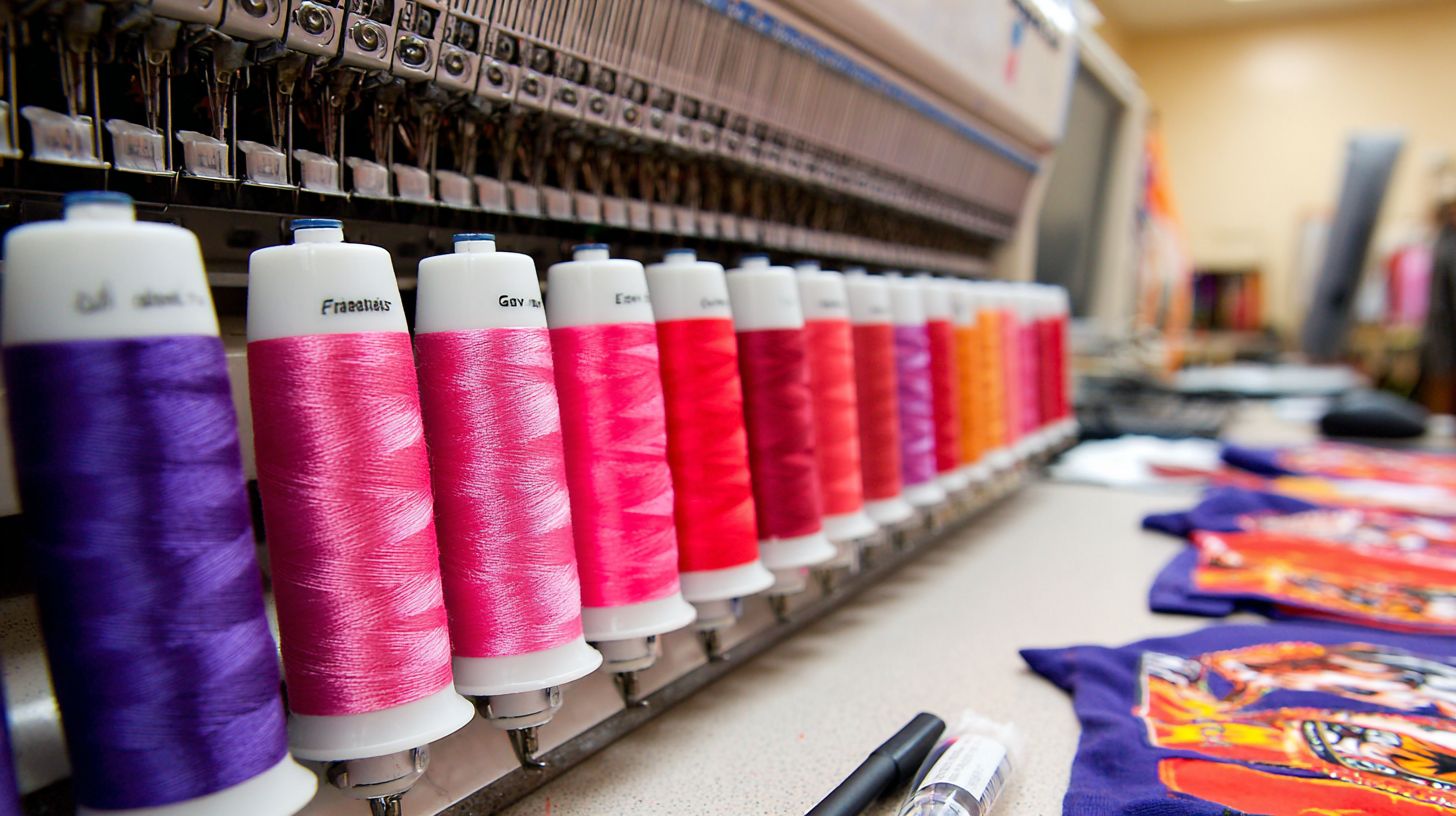
Embroidery software transforms artwork into machine-readable files by converting vector designs into stitches, managing stitch counts, and optimizing production for embroidery machines like Brother, Tajima, and Ricoma.
These digital tools handle digitizing, editing patterns, and management workflows in embroidery businesses. They play a core role in embroidery shops for custom embroidery and production workflow.
Software bridges the gap between creative design and embroidery machines. It ensures designs translate accurately without deep technical setup.
For contract embroidery or shop management, tools like Wilcom Hatch or Embrilliance streamline digitization and file exports in formats such as.pes or.dst. This setup supports everything from art approvals to online stores.
Core Functions of Embroidery Software
Embroidery software performs essential tasks like vector-to-stitch conversion, stitch optimization, and file generation for machines, ensuring precise embroidery output.
Key functions include digitizing, where auto-digitizing handles simple logos and manual digitizing tackles complex designs. Stitch count calculation helps reduce thread breaks during production.
- Digitizing: Auto-digitizing for simple logos, manual digitizing for complex embroidery designs like detailed wildlife scenes.
- Stitch counts calculation: Tracks counts to minimize thread breaks and aid pricing costing.
- Design editing: Resize patterns without distortion, perfect for scaling custom embroidery.
- Machine file export: Outputs in.pes,.dst formats for Brother, Tajima, or Ricoma machines.
- Production management: Uses stitch counts for pricing matrices and workflow tracking.
Pro tools cut manual digitizing time significantly, often from hours to minutes. This boosts efficiency in embroidery business handling high-volume custom embroidery.
Differences Between Basic and Advanced Tools
Basic tools like Embrilliance offer simple editing while advanced software like Wilcom Hatch provides professional digitizing with underlay stitching and gradient fills.
Basic options suit hobbyists or small shops focusing on lettering and resizing. Advanced versions support complex jobs in production embroidery shops.
| Tool | Level | Key Features | Learning Curve | Price |
|---|---|---|---|---|
| Embrilliance | Basic | Lettering, resizing, embroidery personalizer | 1-2 days | $150 |
| Embird | Basic | Basic digitizing, embroidery organizer | Moderate | $200 |
| Wilcom Hatch | Advanced | Auto-digitizing, true-type fonts, Chroma | 1-2 weeks | $1,000+ |
| Wilcom | Advanced | Professional production, steep curve features | Steep | Enterprise pricing |
Quality gap shows in capacity: basic tools manage simpler 5,000 stitch designs, while pro tools handle 50,000+ stitch complex jobs. Choose based on your embroidery business needs, like shop management or contract work.
Why Choosing the Right Software Matters for Beginners
Beginners using inappropriate embroidery software often struggle with frustrating errors and slow workflows. Switching to the right design software can transform a hobbyist’s manual digitizing from hours of trial and error into quick, professional results. This choice sets the foundation for efficient digitization and production.
Consider a real scenario where a hobbyist spends eight hours on manual design tweaks using basic free tools. With pro embroidery design software like Wilcom Hatch, that same task drops to just 45 minutes, freeing time for more projects. Experts recommend tools with intuitive interfaces to avoid steep learning curves.
The impact extends to business growth for embroidery shops. A $1,000 investment in quality software pays back quickly through faster turnaround on custom orders. Steven Farag at Barrel Maker Printing shares how proper tools boosted their production workflow and client satisfaction.
Key benefits include reduced stitch counts errors, better file formats compatibility for embroidery machines like Brother or Tajima, and features like auto-digitizing. Beginners gain confidence with free trial of options like Embrilliance or Hatch. Ultimately, the right software turns beginners into proficient embroidery digitizer.
Key Factors to Consider When Selecting Embroidery Software
Selecting embroidery software requires evaluating interface simplicity, machine compatibility with Brother PE series or Tajima multi-heads, and support for industry-standard file formats. Match the software to your specific embroidery machines and business scale, whether you run a home setup or a multi-head shop. These factors ensure smooth production workflows and reduce errors in custom embroidery.
1. Ease of Use and Beginner-Friendly Interface
Hatch software’s intuitive interface enables beginners to create production-ready embroidery designs in days versus weeks for more advanced options. Drag-and-drop lettering simplifies adding text, while guided tutorials like those in Hatch Academy build skills quickly. Beginners appreciate features such as zoom controls and one-click underlay for precise adjustments.
Software with a gentle learning curve suits hobbyists and small embroidery businesses. For example, tools offering step-by-step video lessons help users master auto-digitizing and stitch editing without frustration. This approach saves time on daily production.
Professional workspaces demand more practice but offer power for complex digitizing. Justin Moore’s beginner tutorials highlight how simple interfaces cut design time significantly. Test free trials to find what matches your skill level and embroidery workflow.
Focus on software that balances ease with features like embroidery personalizer tools. This ensures scalability as your embroidery shops grows from basic logos to intricate custom designs.
2. Compatibility with Your Embroidery Machine
Brother PE800 requires.pes files while Tajima TMFD series needs.dst, incompatible software causes failure in designs. Always verify machine-software matches like Embrilliance or Hatch for Brother, Wilcom or Chroma for Tajima and Ricoma, and Wilcom E4 for multi-head shops. This prevents downtime in contract embroidery.
Use this compatibility checklist before purchase:
- Check native file formats supported by your embroidery machines.
- Verify hoop size support for your setups.
- Test multi-needle sequencing for efficient runs.
Mismatches lead to errors in stitch counts and threading. For embroidery machines like Ricoma, prioritize software with robust production workflow integration. Justin Moore‘s tutorials recommend testing exports on your hardware first.
Scalable options support growth from single-head Brother to Tajima multi-heads. This alignment streamlines shop management and boosts output in embroidery businesses.
3. Supported File Formats and Export Options
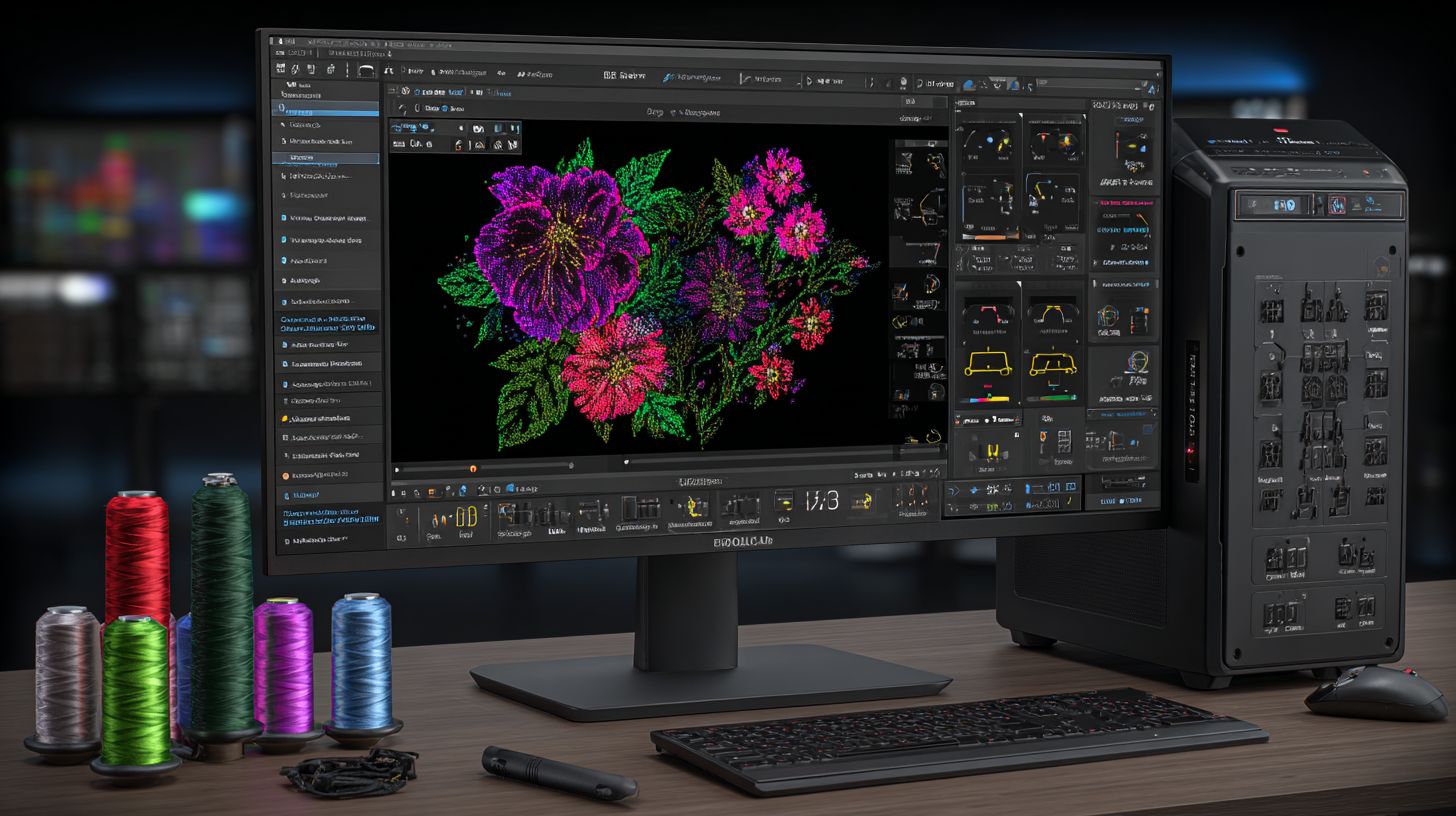
Professional embroidery software supports many formats including .pes for Brother,.dst for Tajima,.exp for Melco, and .hus for Husqvarna. Wide compatibility ensures designs work across machines in embroidery shops. Choose tools that handle file formats native to your equipment.
| Format | Machines | Software Support | Use Case |
|---|---|---|---|
| .pes | Brother PE series | All major software | Home use, simple designs |
| .dst | Tajima, Ricoma | Wilcom, Hatch | Commercial production |
| .jef | Janome | Embrilliance | Hobbyist projects |
Free converters risk stitch loss or distortions during format changes. Pro tools maintain 100% accuracy for professional digitizing. Test exports to avoid issues in stitch counts and colors.
Look for options with batch export for high-volume embroidery businesses. This supports pricing matrices, art approvals, and integration with tools like Printavo for quotes approvals. Reliable formats enhance online stores and client workflows.
How to Assess Management Software Features for Your Shop Management Needs
Evaluate software by testing digitizing speed, editing precision, and library access specific to your embroidery business scale and design complexity. Hobbyists need quick auto-digitizing for simple logos, while shops require manual tools for custom embroidery on machines like Tajima, Ricoma, or Brother. Match features to your production workflow, from art approvals to stitch counts.
Start with a free trial of options like Wilcom Hatch, Embrilliance, or Chroma. Import sample designs and time key tasks. This hands-on approach reveals if the software fits hobby use or shop management needs.
Focus on practical categories below for evaluation. Test on your embroidery machines to check file formats and compatibility. Prioritize tools that streamline quotes, approvals, and production for your embroidery business.
Shops benefit from professional digitizing and organizer features, while beginners prefer low learning curves. This assessment ensures efficient custom embroidery without excess costs.
4. Digitizing Capabilities and Auto-Digitizing Tools
Wilcom Hatch‘s auto-digitizing converts logos to embroidery in 2 minutes with 95% accuracy versus 2 hours manual digitizing. Auto tools in Hatch and Chroma handle simple shapes like text or icons fast. Manual digitizing in Wilcom gives full control for complex designs in professional shops.
Test by importing a 5-inch logo into the software. Time the digitizing process from vector to stitch file, then count reworks needed for clean output. Check compatibility with Brother or Ricoma machines.
Auto-digitizing suits hobbyists for quick turnaround on basic custom embroidery. Pro tools like Wilcom reduce time on intricate patterns, vital for contract embroidery businesses. Evaluate stitch counts for density and pull compensation.
Experts recommend combining both methods. Start with auto for speed, refine manually for precision. This balances efficiency in your production workflow.
5. Editing Tools for Customization
Advanced editing tools like gradient fills and underlay stitching prevent puckering on 100% cotton garments, unavailable in basic software. Key features include true-type font conversion, gradient stitching, underlay patterns, applique positioning, resize without density loss, and sequence optimization.
Test by editing a supplied design, such as a monogram with applique. Measure stitch count changes, aiming for less than 5% variation. Note ease of pull compensation, as shared by embroidery pros.
- True-type fonts convert to embroidery scripts instantly.
- Gradient stitching adds depth to logos.
- Underlay patterns stabilize fabrics.
- Applique tools align patches precisely.
- Resize maintains quality on designs.
- Sequence optimization cuts thread trims.
These tools shine in shop management for custom orders. Embrilliance offers solid basics, while Wilcom excels in pro editing for embroidery digitizers.
6. Design Library and Built-in Patterns
Hatch includes 1,000+ production-ready designs while Embrilliance offers 200 essential patterns for quick turnaround. Wilcom provides extensive libraries for embroidery shops. Customizable options via Composer or Personalizer save hours in production.
Evaluate by searching for five common motifs: monograms, sports, florals, eagles, and scripts. Test resize and customization speed. Compare time to create from scratch versus library use.
Libraries cut design time significantly for hobbyists and businesses. Hatch’s tools allow personalization for online stores or art approvals. Embrilliance suits simple needs with essentials.
Pro shops gain from Wilcom’s vast e4 designs, fitting complex workflows. Factor in embroidery organizer features for file management. Choose based on your embroidery business scale.
Budget Breakdown: Free vs Paid Embroidery Software
Free tools cost $0 upfront but limit production quality while paid software ($150-$5,000) delivers professional results and ROI within 3-6 months. Pricing spans from free trials like Embird to enterprise solutions such as Wilcom E4 at $5,000+. Hobbyists start with basics, but embroidery businesses need advanced digitizing and management features.
Consider your embroidery shop needs. Free options suit simple edits on Brother or Ricoma machines, yet lack auto-digitizing for complex designs. Paid tiers like Wilcom Hatch or Hatch Maker handle high stitch counts and production workflows.
Short-term, free software cuts costs for beginners testing file formats. Long-term, premium tools boost efficiency in custom embroidery, from art approvals to online stores. Evaluate based on your volume and growth plans.
Transition to detailed comparisons below. Free tools offer entry points, but premium investments drive embroidery business scalability with tools like embroidery personalizer and composer.
Pros and Cons of Free Tools
Free embroidery tools like Embrilliance Essentials allow basic editing but lack production features needed for embroidery business growth. They handle fonts and simple stitch counts, ideal for hobbyists on home machines.
| Tool | Pros | Cons |
|---|---|---|
| Embrilliance Essentials | $0 cost, easy fonts | No auto-digitizing, watermarks |
| Embird trial | Format conversion | 100-design limit |
| Ink/Stitch | Free forever | Steep learning curve, poor gradients |
A hobbyist using free tools stays limited to 1,000 stitch designs, while pros manage 50,000+ with paid software. This gap affects contract embroidery and shop management.
Experts from PrintHustlers Conf and Hatch Academy recommend free trials for learning file formats and basic digitization. Upgrade when needing professional digitizing for Tajima or Ricoma production.
Investment Value in Premium Software
Wilcom Hatch ($1,199) pays for itself in 120 hours of digitizing time saved compared to manual methods. At $75/hour for manual digitizing across 25 jobs, costs hit $1,875, making software a smart buy for small shops.
Compare tiers for your needs. Hatch Essentials ($299) fits hobby use with embroidery composer. Hatch Maker ($1,199) suits small shops with auto-digitizing, while Wilcom E4 (cloud-based at $5,000+) powers production workflows.
- Hatch Essentials: Basic editing, low learning curve.
- Hatch Maker: Professional digitizing, stitch management.
- Wilcom E4: Enterprise-level, cloud-based options.
One GraphXsource shop saw major productivity gains after upgrading, handling more custom embroidery orders efficiently. Paid software integrates with Printavo for quotes, approvals, and pricing matrices, streamlining embroidery machines and designs, as noted by experts like Steven Farag, Justin Moore, Erich Campbell, and Brian Bailie from shops like Campus Ink, Barrel Maker Printing, and Surcee Designs.
Which Software is Best for Hobbyists vs Professionals?
Hobbyists need simple tools like Embrilliance while embroidery shops require Wilcom Hatch for production-scale digitizing and management software. Hobbyists focus on personal machines such as Brother or single-head setups for custom designs. Professionals handle multi-head embroidery machines from Tajima or Ricoma with high stitch counts and complex workflows.
Scalability sets them apart. Home users start with free trials for basic lettering and auto-digitizing on simple t-shirt logos. Embroidery businesses need management software for shop management, art approvals, and production workflows.
Choose based on your setup. Hobbyists benefit from low learning curves in Embrilliance for quick personalization. Pros rely on Wilcom or Chroma for professional digitizing, pricing matrices, and contract embroidery demands.
Match tools to needs for efficiency. Test free options on your machine before investing in paid embroidery software. This ensures smooth transition from home testing to business-scale operations.
Top Free Options for Testing
Embrilliance Essentials free version supports Brother machines with basic lettering perfect for home testing. It handles common file formats and simple stitch counts for beginners. Download it to try embroidery personalizer features without cost.
Ranked options include these top free tools for evaluation.
- Embrilliance: Best Brother support with embroidery organizer tools.
- Embird demo: Strong multi-format compatibility for various machines.
- Ink/Stitch: Free Inkscape plugin for auto-digitizing vector art.
- SewArt trial: Basic digitization for photo-based embroidery designs.
| Software | Key Limitation | Best For |
|---|---|---|
| Embrilliance | Watermark on saves | Brother home use |
| Embird demo | 30-day full access | Multi-format testing |
| Ink/Stitch | Manual setup required | Vector designs |
| SewArt trial | Limited exports | Photo stitching |
Create 5 sample designs before purchase decisions. Test on your embroidery machine for stitch quality and file compatibility. This reveals fit for manual digitizing or shop management needs.
Recommended Professional Software for Quality Results
Wilcom Hatch leads professional embroidery software with 25+ years development and support for all commercial machines. It excels in manual digitizing, embroidery composer, and production management. Ideal for embroidery shops handling high-volume custom work.
Steven Farag notes, “ Hatch streamlined our production workflow for Ricoma multi-heads.” Justin Moore adds, “Its tools cut errors in complex designs.” These insights highlight reliability for business use.
| Software | Best For | Pricing |
|---|---|---|
| Hatch | Best overall | $1,199 |
| Chroma | Tajima specialist | $2K+ |
| Wilcom E4 | Enterprise scale | $5K+ |
Experts recommend Hatch for balanced learning curve and features like cloud-based approvals. Use free trials to test digitization on real projects. Pair with management software like Printavo for online stores and quotes.
How to Test Embroidery Software Before Buying
Free trials lasting 15-30 days let you test real production workflows before committing to embroidery software purchase. Hands-on evaluation ensures the software matches your embroidery machines and designs. Focus on importing customer artwork to simulate daily tasks in your embroidery business.
Use a structured checklist to guide your testing. This approach reveals strengths in auto-digitizing, manual editing, and file compatibility with machines like Brother or Tajima. Test stitch counts and exports to avoid surprises in production.
Match trials to your workflow needs, such as shop management or professional digitizing. Time each step to assess the learning curve. This method helps embroidery shops choose software that boosts efficiency without hidden limitations.
Experts recommend testing with real designs from your custom embroidery orders. Verify hoop times and puckering on actual fabric. A thorough trial prevents costly mismatches in your embroidery business.
Free Trials and Demo Versions
Hatch offers 30-day full-feature trial while Embrilliance provides permanent free Essentials edition for testing. Wilcom gives a 15-day trial with watermarks on exports. Compare these to find the best fit for your embroidery machines and production needs.
Start by registering with your email on the software site. Select your machine profile, such as Ricoma or Brother, during setup. Install any required dongle for full access to features like embroidery organizer or personalizer.
Test with customer vector logos, not sample designs, to mimic real workflows. Check auto-digitizing speed and manual edits for gradients. Export to formats like.pes or.dst for compatibility.
Embrilliance‘s free tier suits beginners exploring design software basics. Hatch unlocks pro tools like Chroma for complex digitization. Wilcom appeals to contract embroidery pros despite watermarks during trial.
Step-by-Step Evaluation Checklist
Follow this 10-point checklist to evaluate embroidery software: import your artwork, digitize complex logo, export to machine, stitch out test design. Each step includes time estimates and pass/fail criteria for objective assessment. Use it to test Hatch, Wilcom, or Embrilliance against your embroidery business needs.
Begin with installation and basic imports to confirm compatibility. Progress to digitizing and stitching for real-world performance. This ensures the software handles your production workflow smoothly.
- Install trial: Takes 15 minutes. Pass if no errors on your OS.
- Import vector logo: Test SVG, PDF formats. Pass if clean scaling without distortion.
- Auto-digitize logo: Time the process. Pass if under 2 minutes for simple designs.
- Manual edit gradients, underlay: Add satin stitches. Pass if intuitive tools, no crashes.
- Calculate stitch counts: Check pricing matrices. Pass if accurate for quotes.
- Export.pes/.dst files: Verify for Tajima, Brother. Pass if no corruption.
- Machine test: Hoop and stitch. Time full run; pass if under expected duration.
- Measure puckering, density: Inspect on fabric. Pass if minimal distortion.
- Cost per 1,000 stitches: Input to management tools. Pass if realistic for shops.
- Support response test: Submit query. Pass if reply within 24 hours.
Track results in a simple table for comparison. Failures in file formats or stitch quality signal poor fit. This checklist streamlines choices for embroidery digitizers and shops at hubs like Embroidery Hub.
Common Mistakes to Avoid When Choosing Software
Embroidery businesses face key challenges when selecting software, including machine incompatibility, growth limitations, and steep learning curves. According to insights from the PrintHustlers Conf., many shops encounter downtime from poor choices that disrupt production workflows. These issues often lead to lost jobs and extra costs.
Avoidable errors include ignoring file format mismatches, picking tools without scalability, and skipping free trials. Common pitfalls trap small embroidery shops in inefficient setups. Addressing them early protects your embroidery business.
Experts recommend verifying machine profiles and assessing future needs first. Real-world cases from shops using Wilcom, Hatch, and Embrilliance highlight these traps. Proactive checks ensure smooth digitizing and management.
Ignoring Machine Compatibility Issues
Brother PE users buying Tajima-focused software waste 100% of designs due to incompatible .pes vs.dst formats. This mismatch halts exports to embroidery machines, causing delays in custom embroidery orders. Shops lose time reformatting or redigitizing files.
The core issue stems from software lacking support for specific machine profiles. For example, Ricoma machines demand .cnd files, while Brother needs .pes. Verify compatibility before committing to any embroidery software.
Solution: Test the full export chain during a free trial. Export a sample design and load it on your machine to confirm. This prevents errors like those at Surcee Designs, where format issues scrapped $2K in jobs.
Here are five common incompatibilities:
| Machine Brand | Native Format | Common Software Mismatch |
|---|---|---|
| Brother | .pes | Tajima-focused tools output.dst |
| Tajima | .dst | Hobbyist apps lack.tbf support |
| Ricoma | .cnd | Embrilliance exports wrong variants |
| Janome | .jef | Wilcom defaults to.exp |
| Babylock | .pes | Free tools ignore stitch counts |
Overlooking Long-Term Scalability
Hobbyist tools like Embrilliance crash with 10,000+ stitch commercial designs required by growing embroidery shops. Free versions often cap at 1,000 stitches, limiting complex digitizing. This forces constant upgrades as your business expands.
Mid-tier software handles basic needs but lacks multi-head support for high-volume production. Shops running 50+ jobs per week need enterprise options like Wilcom Hatch for production workflow efficiency. Campus Ink outgrew Embrilliance in six months and switched to Hatch, saving hundreds of hours yearly.
Assess needs with this checklist:
- Current volume: 5 jobs/week with manual digitizing.
- Future goals: 50 jobs/week, auto-digitizing, and shop management.
- Features required: Pricing matrices, art approvals, multi-head machines.
- Integration: Cloud-based tools for online stores and quotes approvals.
Plan for growth by testing scalability in trials. Choose software like Chroma or Embird that supports professional digitizing without a steep learning curve. This avoids costly migrations later.
Understanding RIP Software in Embroidery Workflows
RIP software like Printavo manages embroidery production queues, art approvals, and pricing matrices beyond design creation. It acts as a central hub for job routing in embroidery shops. This keeps workflows smooth from order intake to machine output.
In embroidery businesses, RIP handles queue management by prioritizing jobs based on deadlines or stitch counts. It routes designs to the right embroidery machines like Brother or Tajima. Automated quoting uses stitch counts for accurate pricing.
Integration with tools like Wilcom Hatch or Chroma creates a full pipeline. Art approval flows into digitizing, then production. Shops using Printavo + Hatch streamline custom embroidery orders.
For example, Barrel Maker Printing integrates Printavo to handle production workflows. This setup cuts order errors by managing file formats and approvals upfront. It supports contract embroidery and online stores effectively.
| RIP Feature | Benefit | Printavo Implementation |
|---|---|---|
| Job Routing | Directs designs to specific machines | Assigns to Tajima or Ricoma based on availability |
| Queue Management | Prioritizes high-volume orders | Visual dashboard for production status |
| Automated Quoting | Calculates prices via stitch counts | Integrates pricing matrices for quotes |
| Art Approvals | Ensures client sign-off before production | Digital approval workflows with Hatch |
Step-by-Step Guide to Upgrading Your Software
Upgrade from free tools to premium embroidery software in 5 steps: backup designs, install trial, migrate library, retrain team, optimize workflow. This roadmap keeps disruption minimal for busy embroidery shops. Expect a smooth shift with practical steps that fit into your production schedule, as taught at Hatch Academy.
Start by securing your current embroidery designs to avoid data loss during transition. Premium options like Wilcom Hatch or Embrilliance offer better digitizing and management tools. Your embroidery business gains sharper stitch counts and faster workflows without halting machines.
Focus on team training using Hatch Academy resources to cut the learning curve. Run parallel production briefly to compare outputs from Brother, Tajima, or Ricoma machines. This approach ensures your custom embroidery stays on track while unlocking professional features.
End with workflow tweaks for auto-digitizing, file formats like.pes, and Printavo shop management integration. Shops report easier quotes approvals and production after upgrading. Total time investment pays off in quality designs for contract embroidery.
Transitioning from Free to Premium Tools
Export Embrilliance designs as.pes files then re-digitize in Hatch for professional quality without starting from scratch. This 7-step process takes about 12 hours total spread over a week. It transforms your embroidery workflow for shops handling high-volume custom orders.
- Backup all designs (30 min): Copy your library to an external drive. Include stitch files from Embird or free tools to protect against issues.
- Install Hatch trial (15 min): Download the free trial for Wilcom Hatch. Test compatibility with your embroidery machines like Ricoma or Brother.
- Import .pes files (convert 10 test files): Load samples into Hatch Composer. Check for errors in stitch counts and adjust as needed.
- Re-digitize 3 complex designs: Use Chroma manual digitizing for logos with fine details. Compare to free versions for clearer results.
- Train on new interface (Hatch Academy, 4 hours): Watch tutorials on digitizer and organizer tools. Practice personalization for client approvals.
- Migrate design library (batch convert): Process all files in bulk using Chroma features. Verify outputs on Tajima machines before full switch.
- Run parallel production 1 week: Produce orders with both old and new software. Fine-tune for optimal shop management and pricing matrices.
After completion, expect smoother production workflows and better art approvals. Integrate with tools like Printavo for online stores if needed. Your team handles pro-level embroidery digitizing with less effort.
Final Recommendation: Upgrade to Professional Embroidery Software
Upgrade to professional embroidery software at needlic.com for 5x faster digitizing, zero machine errors, and production-ready quality. Free tools often lead to stitch count issues and endless rework in embroidery shops. Professional options like Wilcom Hatch or Chroma handle auto-digitizing and manual digitizing with precision.
Stop wasting time with free tools. Needlic.com delivers commercial-grade embroidery software trusted by Campus Ink and Barrel Maker. It integrates shop management, production workflow, and design software for custom embroidery businesses.
Users save hours on stitch counts, pricing matrices, and art approvals. Steven Farag notes, “Needlic transformed our embroidery digitizing process.” Justin Moore adds, “It streamlined our Tajima and Ricoma machines perfectly.”
Click needlic.com now for your free trial and transform your embroidery business. Gain tools for embroidery organizer, personalizer, and composer. Elevate your contract embroidery with cloud-based features trusted by Campus Ink and Barrel Maker Printing.
Watch Erich Campbell and Brian Bailie from PrintHustlers Conf sharing insights at the Embroidery Hub.
🚀 Upgrade Your Embroidery Workflow
Stop wasting time with low-quality tools. Use professional software for faster and better results.