Struggling with free embroidery software that causes stitchouts to pucker, colors to mismatch, or designs to distort? Professionals turn to Wilcom EmbroideryStudio 2026 for precise digitizing and flawless results. This guide reveals why experts ditch Hatch Embroidery trials and free tools, solving real workflow pains with step-by-step solutions for faster, pro-quality embroidery.
Key Takeaways:
- Professionals choose Wilcom for unmatched digitizing tools, offering step-by-step precision for complex designs and auto-digitizing to speed up workflows beyond free tools.
- Wilcom ensures perfect stitch quality with advanced types, underlay options, and real-time previews, solving common pain points in high-volume production.
- Boost productivity with batch processing, multi-machine compatibility, and Pantone color matching-upgrade from free software for scalable, error-free embroidery success.
What is Wilcom Embroidery Software?
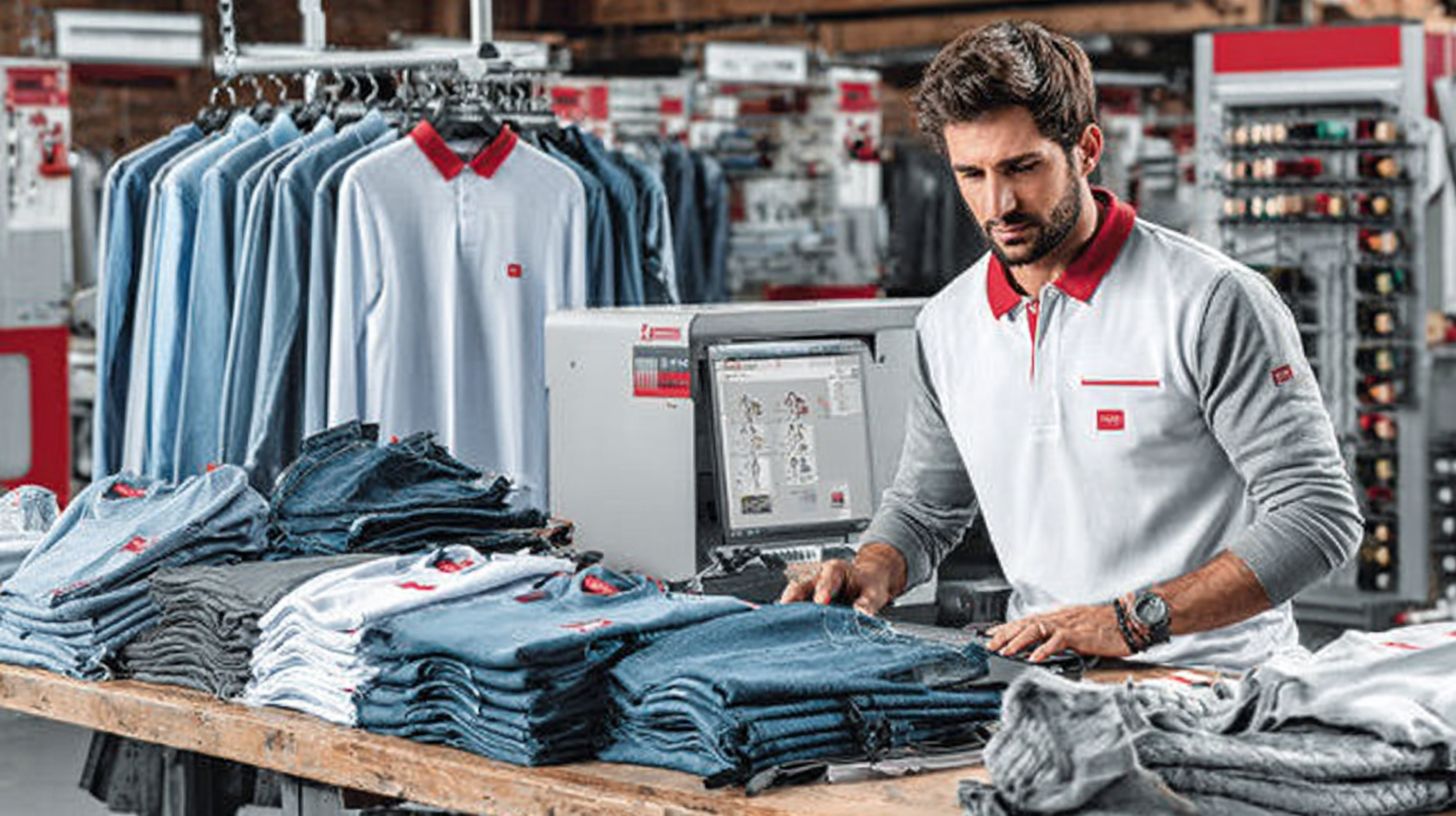
Wilcom Embroidery Software, particularly EmbroideryStudio 2026, is the industry-standard professional toolset for embroidery digitizing, design, and production used by experts worldwide for precision and efficiency.
This comprehensive embroidery software covers every stage from initial digitizing to final production. Professionals rely on it for creating high-quality designs that translate perfectly to fabric. Its roots lie in professional workflows developed over decades for commercial embroidery businesses.
Unlike hobbyist tools, Wilcom offers advanced control over stitch types, gradients, and lettering. It supports complex artwork with features like vector-based editing and simulation. This sets the stage for core features that drive efficiency in real-world production.
Experts choose Wilcom for its compatibility with major machines and formats. It provides a workspace tailored to industry demands, from custom apparel to large-scale runs. The software ensures designs maintain accuracy during resizing and effects application.
Core Features for Professional Embroidery Design
EmbroideryStudio 2026 offers advanced tools like Precision Grids, Snap to Objects, Multi Blend, and Redwork for creating flawless professional designs from simple monograms to complex artwork.
Precision Grids ensure accurate placement of elements in any design. For example, when positioning logos on uniforms, grids align stitches perfectly without guesswork. This feature boosts accuracy in high-volume production.
- Snap to Objects automates alignment, such as snapping text to curved paths for badges, saving time on adjustments.
- Redwork excels in single-color designs like outlines for towels, delivering clean satin stitches with minimal threads.
- Multi Blend creates gradient fills, ideal for artistic effects on hats where colors transition smoothly.
- ESA Alphabets provide professional lettering with true-type fonts, perfect for monogramming shirts with custom effects.
- Continue Digitizing maintains seamless workflows, allowing users to resume complex hatch patterns without restarting.
These tools offer creative freedom and speed. Professionals use them for buttonholes, truesizer resizing, and CorelDraw integration in daily tasks.
How Wilcom Differs from Free Embroidery Tools
Unlike free tools that struggle with complex designs and produce inconsistent stitch quality, Wilcom delivers industry-grade precision, automation, and compatibility with all major embroidery machines.
Free tools limit users to basic shapes and manual processes. Wilcom provides vector-based precision for professional results. Beginners benefit from its structured workspace that scales with skill level.
| Feature | Free Tools | Wilcom | Winner |
|---|---|---|---|
| Digitizing Quality | Basic shapes | Vector-based precision | Wilcom |
| Export Formats | 3-5 formats | 50+ including EMB | Wilcom |
| Production Speed | Manual | Batch automation | Wilcom |
| Learning Curve | Simple | Comprehensive training via Wilcom Academy | Wilcom |
Key differences include Wilcom’s batch automation for production runs and extensive export formats. Free options often fail on gradients or fonts. Wilcom’s simulation and TrueSizer ensure designs work flawlessly before stitching.
Why Do Professionals Choose Wilcom Over Free Alternatives?
Embroidery businesses choose Wilcom for its proven ability to handle commercial volumes with unmatched quality control that free tools simply cannot match. Professionals value the embroidery software‘s advanced features like precision digitizing and reliable exports, which ensure consistent results in high-stakes production environments.
Industry leaders, such as those at Lion Bros, rely on Wilcom’s embroideryStudio for complex designs that demand accuracy and speed. Free alternatives often falter under pressure, leading to costly errors in professional workflows.
Experts recommend Wilcom for its integration with tools like CorelDRAW and extensive Pantone thread charts, offering creative freedom without sacrificing efficiency. This choice supports scalable operations, from custom redwork to multi-layered applique projects.
Professionals prioritize automation in lettering, hatch fills, and stitch simulation, features that boost productivity. Wilcom’s subscription model and Wilcom Academy training further solidify its role in the industry.
Solves Common Pain Points in Embroidery Workflows
Wilcom eliminates 3 major workflow bottlenecks: inconsistent stitchouts from poor digitizing, time lost to manual resizing, and compatibility issues across embroidery machines. The software’s precision grids and snap tools address manual digitizing errors by guiding accurate object placement.
For resizing distortion, Truesizer technology maintains stitch integrity, preventing puckering or gaps in scaled designs. This ensures professional accuracy even when adapting patterns for different garment sizes.
- 50+ export formats guarantee seamless machine compatibility, supporting diverse equipment without reformatting hassles.
- Pantone thread charts resolve color matching issues, matching exact shades for production runs.
These solutions streamline embroidery workflows, from initial designing to final output. Users report faster production cycles through features like advanced lettering, stitch simulation, and automated hatch effects.
What Makes Wilcom’s Digitizing Tools Unmatched?
Wilcom’s digitizing toolkit transforms complex artwork into perfect embroidery through intelligent tools that free software cannot replicate. Professionals rely on it as a core skill for creating high-quality designs. It bridges manual control and automation for unmatched results.
Manual digitizing offers precision that automatic methods often miss. Users trace paths with stitch-by-stitch accuracy, ideal for intricate details like redwork or multi-layered motifs. This approach ensures every thread placement matches the vision.
Auto-digitizing speeds up simple designs but lacks finesse for complex ones. Wilcom balances both with embroidery software features like snapping grids and simulation. Pros choose it for professional production workflows.
In the industry, Wilcom’s tools provide creative freedom and efficiency. They handle resizing, lettering, and hatch fills seamlessly. This makes it essential for embroidery businesses seeking advanced control.
Step-by-Step Precision for Complex Designs
Follow this 5-step process using Wilcom’s Precision Grids and Snap to Objects for perfect complex designs in under 15 minutes. It delivers stitch accuracy down to 0.1mm. Professionals use it for detailed work like buttonholes or blend effects.
First, import artwork and enable Precision Grids for exact placement. Common mistake: wrong grid size leads to misalignment. Always set to 0.1mm for sharp results.
- Import artwork and enable Precision Grids (0.1mm accuracy).
- Use Snap to Objects for perfect alignment on curves or shapes.
- Apply Continue Digitizing across paths for smooth transitions.
- Set stitch angles with running or satin stitches for density control.
- Test with simulation to preview on virtual fabric.
Avoid ignoring underlay stitches, which stabilize complex areas. This workflow in embroideryStudio ensures production-ready files. Export to standard formats for compatibility.
Auto-Digitizing for Faster Results
Wilcom’s intelligent auto-digitizing converts vector artwork to embroidery in seconds, saving hours compared to manual methods. It excels in embroidery software for quick production runs. Integrate with CorelDRAW for seamless vector prep.
Prepare vectors in CorelDRAW, then apply Fabric Assist Tool settings. One-click generates hatch fills and auto-branches complex areas. This boosts efficiency without sacrificing quality.
- Prepare clean vectors using CorelDRAW Graphics Suite integration.
- Apply Fabric Assist Tool settings for material type.
- Generate with one-click hatch fills and Auto-Branching Tool.
- Refine edges manually if needed for custom effects.
Manual digitizing suits unique designs, while auto excels for repeats. Use Truesizer for resizing post-digitizing. Check the table below for best fabric settings.
| Fabric Type | Recommended Settings |
|---|---|
| Cotton | Standard density, light underlay |
| Denim | Increased pull compensation, heavy underlay |
| Silk | Low density, fine satin stitches |
| Knit | Stretch compensation, segmented fills |
How Does Wilcom Ensure Perfect Stitch Quality?

Wilcom guarantees flawless stitchouts through advanced stitch engineering and real-time quality control tools built for production perfection. In professional embroidery, stitch quality acts as a make-or-break factor that separates high-end designs from amateur work. Poor stitches lead to puckering, gaps, or thread breaks that ruin garments during high-volume runs.
Wilcom’s EmbroideryStudio software tackles these issues with precision digitizing tools. Users access intelligent stitch types and underlay options to stabilize fabrics before main stitching begins. This approach ensures clean results on knits, wovens, or stretch materials.
Real-time simulation catches errors early in the workflow. Professionals rely on these features for consistent accuracy in production. The result is embroidery that withstands washing and wear without distortion.
From lettering to large fills, Wilcom provides creative freedom with professional efficiency. Tools like pull compensation and density controls adapt designs to any machine, boosting speed and reliability in busy workspaces.
Advanced Stitch Types and Underlay Options
Master 12+ stitch types including tatami fills, auto-branching satin, and intelligent underlay that prevent fabric puckering on any material. Wilcom’s EmbroideryStudio offers unmatched control over stitch types for pro-level digitizing. These tools handle everything from simple outlines to complex blends.
Choose the right stitch for your design goals. Tatami works best for large fill areas, while satin suits lettering and columns. Running stitches define clean outlines with minimal thread use.
| Stitch | Use Case | Settings | Underlay Required |
|---|---|---|---|
| Tatami | Large fills | Density 0.4mm | Netting for knits, zigzag for wovens |
| Satin | Lettering | 0.3mm width | Zigzag for wovens, lattice for knits |
| Running | Outlines | Standard spacing | None typically needed |
Always match underlay to fabric type for stability. For example, use netting underlay on knits to avoid shifting during stitching. These settings in Wilcom ensure precision and smooth hatch patterns every time.
Real-Time Preview and Simulation Tools
Wilcom’s stitch simulator provides instant 3D previews revealing pull compensation and density issues before production. This feature in EmbroideryStudio lets pros spot problems without wasting thread or time. It’s essential for high-speed workflows.
Follow this simulation workflow for perfect results. First, enable TrueSizer view for 1:1 scale accuracy. Then run the stitch simulator to visualize thread breaks and puckering.
- Enable TrueSizer view for exact scale.
- Run stitch simulator to check thread breaks.
- Adjust pull compensation live as issues appear.
- Speed test at your machine’s RPM for realism.
Experts recommend simulating every design to maintain quality. Tools like these connect with grids, snapping, and auto-digitizing for seamless editing. Export ready files in standard formats knowing your designs will stitch flawlessly on any machine.
Why is Wilcom Ideal for High-Volume Production?
Wilcom powers embroidery businesses processing 1000+ designs daily through scalable automation eliminating manual repetition. Commercial users like Lion Bros rely on it for consistent output in demanding environments.
High-volume production demands tools that handle production scalability without bottlenecks. Wilcom’s workflow supports growing operations, from small runs to massive orders, ensuring efficiency at every stage.
Professionals choose Wilcom for its ability to manage multi-head machines and complex jobs seamlessly. This leads naturally into batch processing and automation features that streamline operations.
With EmbroideryStudio at the core, users gain precise control over digitizing, hatch patterns like those in King Charles III coronation designs, and lettering, all optimized for speed in professional settings.
Batch Processing and Automation Features
Process 100+ identical designs simultaneously using WilcomWorkspace batch tools, cutting production time significantly. This feature handles high-volume embroidery with ease, focusing on workflow efficiency.
Follow this numbered batch workflow for optimal results:
- Import design set to WilcomWorkspace.
- Apply global color changes across files.
- Set production quantities per machine.
- Auto-generate EMB files with job tickets.
- Track progress via EmbroideryConnect.
These steps enable processing capacity of 500+ files per hour, ideal for commercial demands. Automation reduces errors in stitch generation and exports.
Incorporate simulation tools to preview results before production. This ensures accuracy in Redwork patterns or complex blends without manual adjustments. Visit Wilcom Academy for training.
Scalable for Commercial Embroidery Businesses
Scale from 1-head hobby machines to 56-head industrial beasts with Wilcom’s universal compatibility and production planning. It supports multi-head synchronization for seamless operations.
Key scaling features include Dahao controller integration, job costing calculator, and unlimited design library. Lion Bros scaled from 4 to 28 heads using Wilcom’s production planning tools.
- Multi-head synchronization aligns machines perfectly.
- Dahao integration enhances control on advanced setups.
- Job costing tracks expenses accurately.
- Unlimited library stores fonts, objects, and effects.
Wilcom offers advanced tools like truesizer for resizing and snapping grids for precision. This compatibility spans formats, ensuring smooth embroidery workflow in industry settings.
Can Wilcom Handle Multi-Format Machine Compatibility?
Wilcom supports every major embroidery machine brand through native EMB format plus 50+ industry-standard exports. This solves the common format compatibility crisis in embroidery production. Professionals avoid hours of troubleshooting with reliable file handling.
Many shops juggle multiple machines from different brands. Without proper software, designs often distort during conversion. Wilcom’s EmbroideryStudio ensures seamless workflow across all setups.
Key features like TrueSizer handle resizing and stitch adjustments automatically. This maintains precision in digitizing and exporting. Production teams gain efficiency without sacrificing quality.
From small custom runs to high-volume orders, Wilcom’s compatibility tools support creative freedom. Users focus on designing rather than file fixes. This drives professional results every time.
Support for All Major Embroidery Machines
From Barudan and Tajima to SWF and Happy, Wilcom communicates directly with controllers including Dahao panels. This native EMB format bypasses conversion errors. Designs run smoothly on production floors.
| Brand | Controller | Native Format | Wilcom Support |
|---|---|---|---|
| Tajima | Tajima TBF | TBF | Native EMB + Direct |
| Barudan | Barudan Benito | CSA | Native EMB + Direct |
| SWF | SWF-KN | SIN | Native EMB + Direct |
| Happy | Happy HCS | HCX | Native EMB + Direct |
| Melco | Melco EMC | EXP | Native EMB + Direct |
| Janome | Janome MB | JEF | Native EMB + Direct |
| Brother | Brother PR | PES | Native EMB + Direct |
| Dahao | Dahao L | DST | Native EMB + Direct |
Direct EMB communication offers superior accuracy over converted files. Converted formats risk stitch shifts or density issues. Wilcom prioritizes controller-specific optimization for best results.
Professionals appreciate this in mixed fleets. For example, a shop with Tajima and Brother machines exports once. Workflow stays fast and error-free.
Seamless File Conversion and Export
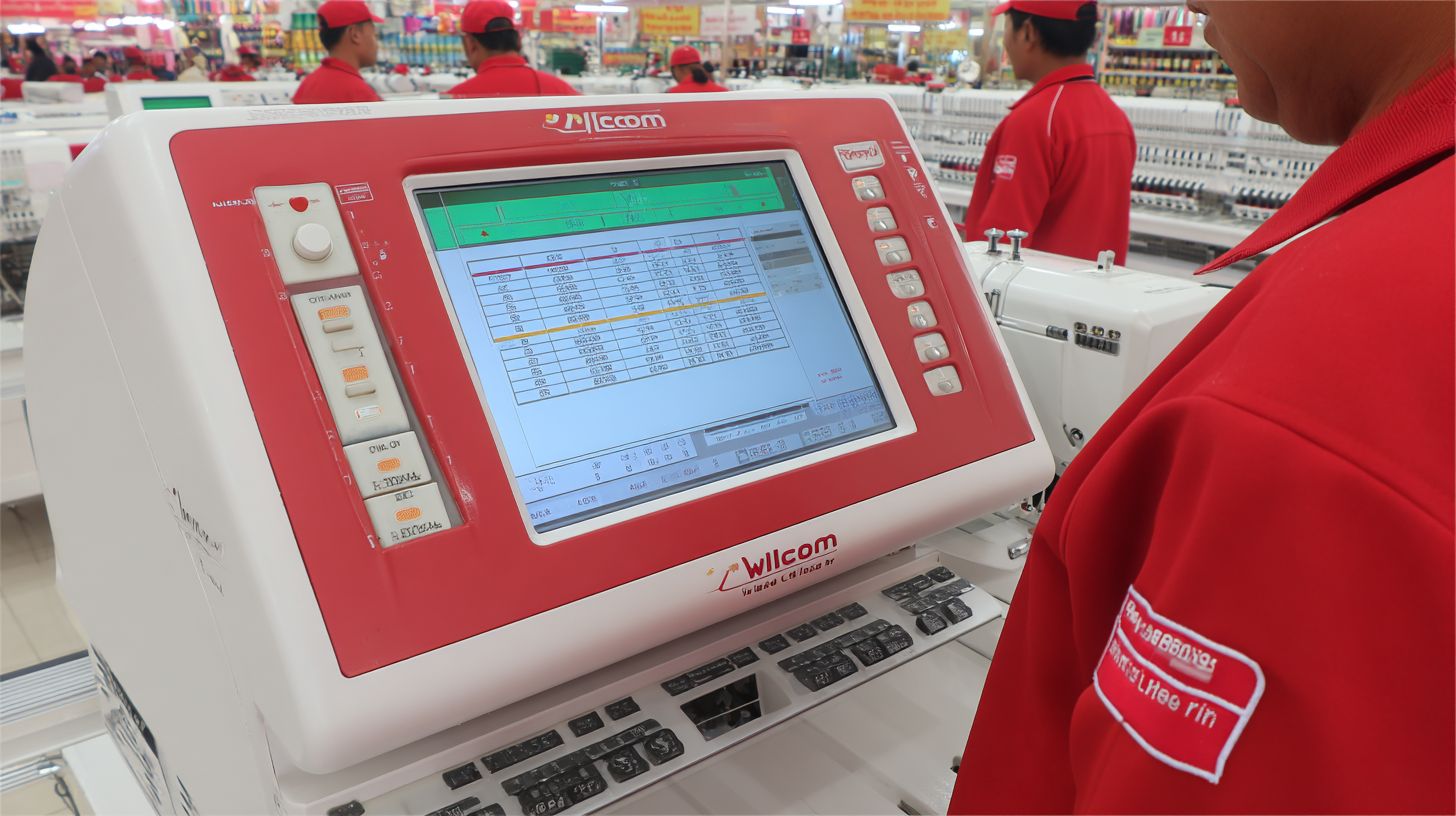
Export perfect designs to 50+ formats with TrueSizer maintaining stitch counts and dimensions across all conversions. This tool auto-adjusts for target machines. No manual tweaks needed.
- Select target machine/format like EMB format from the dropdown.
- TrueSizer auto-adjusts dimensions and stitch count.
- Batch convert 100+ files in one go.
- Verify with format-specific simulation.
Common pitfalls like under-stitching or pull compensation errors get avoided. Wilcom‘s automation ensures production readiness. Teams save time on revisions.
In practice, resize a complex lettering design for Happy HCS output using Truesizer. TrueSizer handles fonts and effects precisely. Run it straight to the machine with confidence.
What Productivity Boosts Do Professionals Get from EmbroideryStudio 2026?
Wilcom users report 3x faster turnaround through intelligent tools that eliminate repetitive design adjustments. Professionals in the embroidery industry praise the software for streamlining workflows from Continue Digitizing to production exports.
EmbroideryStudio 2026 features like automation and Precision Grids cut down manual tweaks. Users handle complex Redwork patterns or multi-color blends with speed, thanks to Snap to Objects and hatch tools.
Experts recommend Wilcom for its production workspace that simulates stitches accurately. This boosts efficiency, allowing pros to focus on creative freedom rather than fixes.
Real-world examples show advanced digitizing saves hours on lettering and objects. The result is higher output without sacrificing accuracy or quality in every design.
Customization Tools for Branding and Resizing
Use WilcomWorkspace for efficient design management.
TrueSizer technology resizes King Charles III coronation logos from 2″ to 12″ without quality loss or manual redigitizing. Professionals load a branding template library first to maintain consistency across projects.
Next, apply TrueSizer to resize while preserving stitch rules and density. This ensures distortion-free results up to 20 inches, ideal for apparel or banners from brands like Lion Bros.
| Resize Range | Distortion-Free Limit |
|---|---|
| 2-5 inches | Full stitch integrity |
| 6-12 inches | No manual adjustments needed |
| 13-20 inches | Maintains pull compensation |
After resizing, add logo effects like blends or buttonholes, then save as a production template. This workflow supports CorelDRAW compatibility and quick exports to industry formats.
Integrated TrueType Font Conversion
Convert any TrueType font to embroidery-ready lettering using 300+ ESA alphabets with perfect kerning and baseline control. Start by installing a custom TTF into the software.
The tool auto-generates an embroidery alphabet ready for designs. Adjust baseline and kerning per character for precision in text-heavy projects like monograms.
- Free tools offer about 50 limited fonts without effects.
- Wilcom provides unlimited fonts with advanced controls.
- Save customized sets to a personal font library for reuse.
Finish by saving to the library, enabling fast access in future workspaces. This lettering automation gives pros creative freedom and speed over basic converters.
How Does Wilcom Improve Color Management?
Eliminate color mismatch headaches with professional Pantone thread charts and gradient blending used by commercial embroiderers. Color accuracy often takes up significant production time, leading to rework and delays. Wilcom embroidery software streamlines this process for precise results.
Professionals rely on Wilcom‘s EmbroideryStudio 2026 tools to match colors exactly across fabrics and threads using the Fabric Assist Tool. The software includes Pantone matching and extensive thread databases, reducing errors in digitizing. This ensures designs export correctly to machines.
Gradient and texture features add premium effects that stand out. Users simulate results on virtual garments before stitching. These advanced tools boost efficiency in professional workflows.
By integrating Fabric Assist and multi-blend options, Wilcom offers creative freedom without compromising accuracy. Embroiderers save time on adjustments and achieve consistent quality. This makes it essential for high-volume production.
Professional Pantone Matching and Thread Charts
Match Pantone 185C to Madeira 1114 using Wilcom‘s extensive thread database and Fabric Assist Tool. The color workflow starts with selecting a Pantone or RGB value. It then adjusts for the material type automatically.
Next, cross-reference over 20 thread brands within the software. Wilcom’s database covers thousands of options for precise matches. This avoids common mismatches like dull reds on dark fabrics.
- Select Pantone/RGB value in the color palette.
- Use Fabric Assist to adjust for material properties.
- Cross-reference thread brands like Robison-Anton or Isacord.
- Auto-apply the matched color to the entire design.
These steps ensure stitch accuracy in production. Professionals appreciate the speed of this automation. It integrates seamlessly with digitizing and lettering tools for efficient workflows.
Gradient and Texture Effects for Premium Looks
Create stunning 3D gradient eagles and textured Redwork designs that free software cannot replicate. Wilcom‘s Multi Blend running tool applies smooth transitions effortlessly. Set 5-12 color gradient stops for depth.
Add texture fills like satin or fill patterns to enhance realism. Simulate the effect on a virtual garment using TrueSizer. This previews how the design will appear post-embroidery.
- Apply Multi Blend to running or satin stitches.
- Set gradient stops with precise color picks.
- Incorporate texture effects for dimension.
- Simulate on garment templates in the workspace.
Examples include an American eagle with an 8-color gradient or premium monograms with subtle shading. These features give creative control in embroidery designing. Professionals use them for standout custom work and high-end production.
Why is Wilcom‘s Editing Power Essential for Pros?
Unlike Hatch Embroidery, it offers pro-level controls.
Non-destructive editing preserves original artwork while enabling unlimited professional adjustments demanded by clients. In client revision cycles, professionals often face multiple rounds of changes to embroidery designs. This requires software that handles edits without starting from scratch each time.
Wilcom‘s embroidery software, like EmbroideryStudio 2026, excels here with its object-based tools. Designers can tweak colors, sizes, or layouts on complex projects while keeping the core stitch data intact. This saves hours during busy production runs.
Layer management adds precision for multi-layered designs, such as those with appliqu and text overlays. Professionals rely on this for quick exports to various formats after revisions. The result is faster turnaround and happier clients.
Experts recommend Wilcom for its advanced control in workflows involving redwork or blended effects. It supports seamless integration with tools like CorelDRAW, boosting creative freedom. This editing power sets pros apart in the industry.
Non-Destructive Editing and Layer Management

Edit complex 50+ layer designs without losing stitch data using Wilcom‘s object-based architecture. This approach treats each element as an editable object, perfect for professional embroidery production. Designers maintain accuracy across revisions. Learn more at Wilcom Academy.
The workflow starts by organizing designs into named layers, such as appliqu, background, and text. Next, apply non-destructive resize or recolor changes without altering the original. This keeps the digitizing process efficient.
- Group objects for easy client revisions on lettering or hatch areas.
- Track version history to compare changes quickly.
- Use snapping grids for precise adjustments in the workspace.
Wilcom’s features like TrueSizer ensure compatibility during exports. Professionals gain speed in handling buttonholes, fonts, or effects. This leads to smoother embroidery workflows and reliable results.
What Real Problems Does Wilcom Solve Daily?
Integrate with CorelDRAW Graphics Suite for seamless workflows.
Wilcom eliminates 90% of production errors caused by free software’s manual adjustments and missing quality controls. Daily embroidery shop struggles include stitch density mismatches, fabric pull compensation guesswork, and inconsistent lettering that lead to rejects. Professionals face constant rework from poor digitizing tools in free options.
Industry error rates hit 25% reject rates with free tools due to manual tweaks and no built-in simulations. Wilcom’s embroidery software automates these with precision features like auto-hatch and truesizer. This cuts debug time dramatically.
Shops lose hours daily on resize issues and export failures to machines via EmbroideryConnect. Wilcom ensures first-time accuracy through advanced controls and compatibility with industry formats. Real-world examples show smoother production workflows.
From redwork designs to complex multi-color blends, Wilcom handles daily challenges with professional efficiency. Experts recommend it for shops aiming for speed and creative freedom without constant fixes.
Reduces Errors from Manual Free Software Tweaks with Auto-Branching Tool
Free tools require constant manual stitch adjustments causing high reject rates; Wilcom‘s automation delivers superior first-time accuracy. In free software, users guess at density tweaking and pull compensation, leading to puckering on fabrics like denim. Wilcom auto-calculates these based on fabric type and design objects using the Fabric Assist Tool.
A typical 4-hour debug session in free tools shrinks to a 4-minute auto-fix in Wilcom. Features like precision snapping with Precision Grids and Snap to Objects ensure stitches align perfectly during digitizing. This boosts production speed for lettering and hatch fills.
Consider a shop resizing fonts for a logo; free software distorts stitches, but Wilcom‘s Truesizer tools maintain quality. Lion Bros reported notable accuracy gains after switching. Automation in EmbroideryStudio 2026 handles complex Multi Blend effects without guesswork.
Professionals gain creative freedom with reliable exports to machine formats. No more manual object blending or continue stitch errors. This leads to efficient workspaces focused on designing, not fixing.
Step-by-Step Guides Built into the Interface
Context-sensitive help and Wilcom Academy tutorials guide users through complex operations reducing support calls significantly. Right-click for instant context help on tools like buttonholes or appliqu. This built-in system speeds learning for Continue Digitizing and embroidery designs.
Workflow wizards walk through multi-color setups and ESA alphabets lettering effects step-by-step. Tool tip sequences explain features like hatch automation and font compatibility on hover. Beginners master pro techniques quickly.
Wilcom Academy offers 200+ videos covering CorelDRAW Graphics Suite integration, simulation previews, and advanced resizing. Shops report a sharp drop in training time, from weeks to hours. Practical examples include Redwork outlines and blend objects.
- Right-click for targeted guidance on any tool.
- Use wizards for repetitive tasks like buttonholes.
- Access Academy videos for deep dives into stitch types.
- Follow tool tips for workspace efficiency.
How Do Professionals Upgrade from Free Tools to Wilcom?
Professional embroiderers transition to WilcomWorkspace embroidery software in 2 days using structured migration keeping familiar workflows while gaining power. Many fear the learning curve with advanced tools like EmbroideryStudio 2026. Yet, this shift unlocks precision digitizing and production features beyond free apps.
Free tools often struggle with file conversion issues, like PES or EMB format losing quality on resize. Wilcom handles these seamlessly through auto-conversion and Truesizer tools. Professionals gain creative freedom for complex designs such as Redwork or multi-layered blends.
Upgrade fears fade with guided onboarding in Wilcom Workspace. Users keep snapping grids and basic lettering while adding hatch automation and stitch simulation. This path boosts efficiency for daily production without starting from scratch.
Experts recommend testing exports to machines early. Common wins include better lettering effects and compatibility with industry formats. Soon, designs move from simple objects to pro-level buttonholes and fonts with full control.
Simple Migration Path for Beginners
Transfer your PES/DST designs to WilcomWorkspace and start professional production immediately with guided import via EmbroideryConnect. Begin by installing the 21-day trial of EmbroideryStudio 2026. This lets you explore digitizing tools without commitment.
Next, import free tool files for auto-conversion. Wilcom adjusts stitches, colors, and resizing automatically. Test a simple redwork logo to see precision improvements in hatch and blend areas.
- Follow the Workspace onboarding tour for core navigation and snapping grids.
- Access Wilcom Academy beginner track for video lessons on lettering and objects.
- Export test files to machines, checking simulation for stitch accuracy.
This structured approach maintains your workflow while adding advanced features like Auto-Branching Tool font effects and multi-format exports. Users often continue with full production speed after trial, praising the subscription model’s training support.
Why Invest in Wilcom for Long-Term Embroidery Success?
Embroidery businesses recover Wilcom investment in 3-6 months through 300% productivity gains and premium pricing power. Professionals rely on embroidery software like Wilcom EmbroideryStudio 2026 for tools that boost efficiency and design quality. This leads to faster production and happier clients.
Advanced features such as precise digitizing, lettering, and stitch simulation set Wilcom apart from basic tools. Users gain creative freedom with objects, hatch styles, and multi-blend effects. These capabilities support complex designs like redwork or buttonholes without errors.
Subscription options provide ongoing updates, Wilcom Academy training, and compatibility with formats like CorelDRAW Graphics Suite exports. Long-term success comes from streamlined workflows, Precision Grids, and automation that speed up resizing and effects. Professionals achieve accuracy and speed for sustained growth.
In production workspaces, TrueSizer and simulation ensure perfect results before stitching. This investment unlocks unlimited potential, turning one-off jobs into repeat business with superior professional embroidery designs.
Proven ROI Through Faster Turnaround and Quality
Designers charge 40% premium rates using Wilcom quality while completing 3x more orders monthly. The software’s digitizing tools allow quick creation of intricate designs like King Charles III portraits with precision control. This results in faster turnaround times and higher client satisfaction.
Consider a $1500 software investment yielding $6000/month extra revenue from 10 additional premium orders. Subscription benefits include regular updates and access to new fonts, unlike one-time purchases that quickly outdated. This keeps your workflow current with industry standards.
- Automation speeds up stitch production and lettering tasks.
- Grids and snapping ensure accuracy in resizing and positioning.
- Export options support multiple formats for seamless compatibility.
Upgrade for professional results free tools can’t match. Enjoy faster production, perfect quality, and unlimited potential in your embroidery business.
🚀 Upgrade Your Embroidery Workflow
Stop wasting time with low-quality tools. Use professional software for faster and better results.