Are you new to machine embroidery? Do you feel overwhelmed about finding free embroidery designs? You can find over 1000 free patterns on trusted sites. Try AnnTheGran.com, Creative Fabrica, and Embroidize. This guide covers embroidery designs. It explains types like floral, logos, and text. It also covers file formats such as DST and PES. You will learn selection tips and beginner tools. These will help you start with confidence.
Key Takeaways:
- Find over 1000 free embroidery designs online. Use trusted sites like EmbroideryDesigns.com and FreeDesigns.net. They offer floral, logos, text, and more. You can download them right away.
- Pick designs that suit beginners. Use DST or PES formats. Match them to your project’s size, fabric, and skill. This helps you stitch without problems.
- Use free software like Ink/Stitch or Embrilliance. Open, preview, and edit designs with them. Scan downloads for viruses. Start with simple patterns.
Where Do You Start with Free Designs?
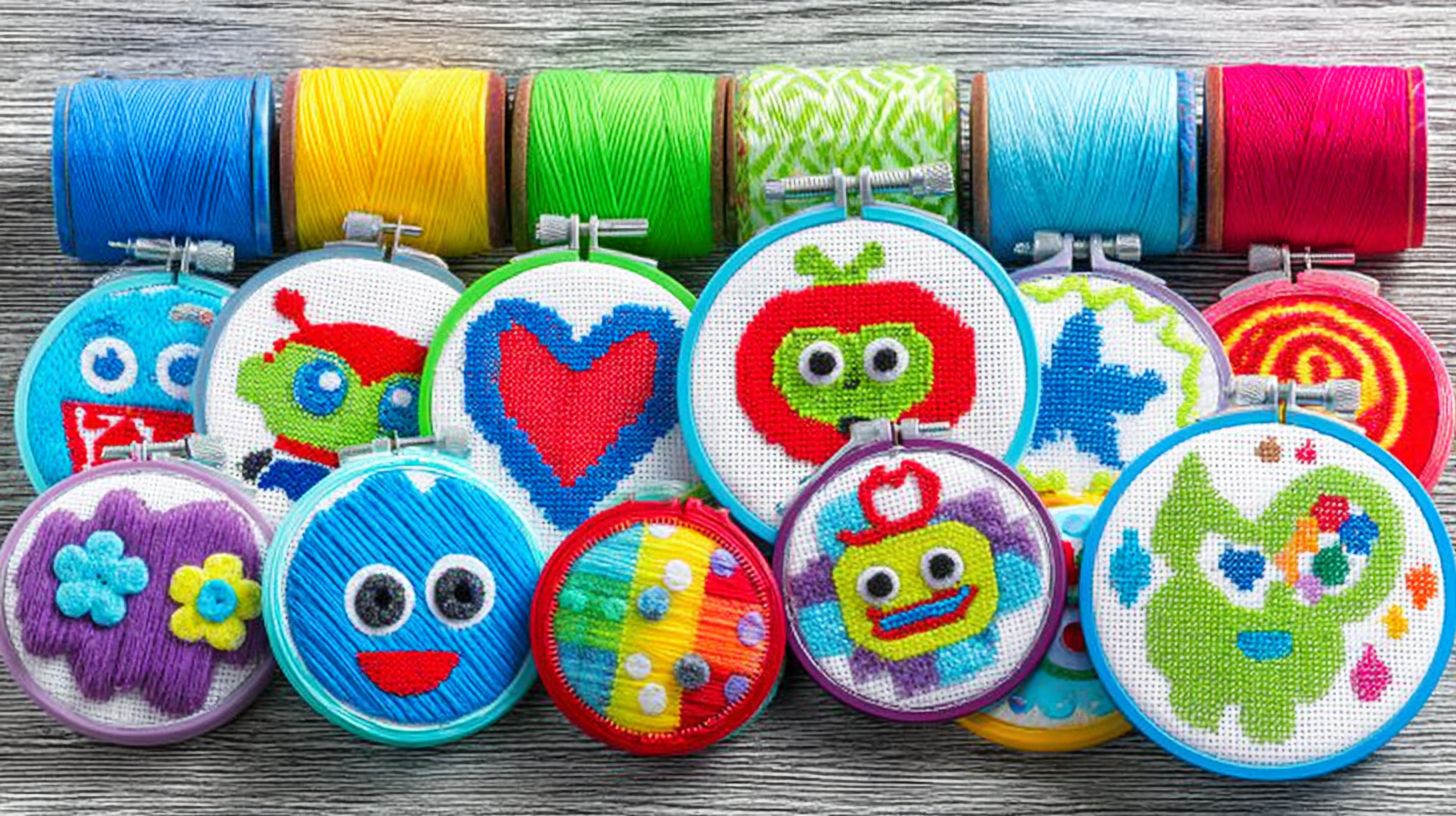
You found free embroidery designs. What next? Beginners have questions about file formats, matching projects, tools, and safety. This section answers them.
First, learn about file formats like DST and PES. Match them to your machine. Next, pick designs for your skill level and hoop size.
You need tools to open and edit embroidery files. Also, follow safety steps for downloads.
These steps lead to more guides. They cover formats, selection, tools, and safety. Turn free downloads into projects like floral motifs or animal patterns.
What Are DST and PES File Formats?
Not all files work on every machine. Format matters. DST suits industrial machines. It has precise stitch data. PES works well on home Brother machines.
DST handles large designs. But it lacks color info. PES supports colors. It fits hoops on Brother and BERNINA machines.
| Feature | DST Format | PES Format |
|---|---|---|
| Machine Compatibility | Industrial, some multi-needle | Brother Sewing, BERNINA South Africa |
| Stitch Limits | High density, no color changes | Color info, hoop limits |
| File Size | Compact for complex stitches | Larger with graphics |
| Converting Files | Easy to PES, check stitches | Lossy to DST |
Use free converters from Embroidery Legacy. Test small designs first. This makes machine embroidery smooth on your setup.
How to Pick Designs for Beginners
Choosing your first design can feel hard. Use these tips. Match hoop size first. This avoids resizing problems. Check if it fits your hoop.
Next, pick stitch counts under 10k. They stitch fast. They cause fewer thread breaks. Use them for simple in-the-hoop projects.
- Match hoop size to design dimensions.
- Verify stitch count below 10k stitches.
- Confirm format compatibility like PES for Brother.
- Pick simple fills. Avoid gradients for your skill level.
Sites like AnnTheGran have beginner patterns. Try floral designs or holiday motifs. Use this list for patterns that fit garments or monograms.
What Tools Work with Embroidery Files?
Free tools let you view, organize, and resize files. Beginners like their simple interfaces. They support PES and DST.
Try these top options.
- 2StitchOrganizer: Organizes files. Supports many formats.
- Embroidery Legacy trial: Views PES and DST. Allows basic edits.
- Wilcom Trusize: Resizes designs. Connects to machines.
- Hatch Organizer: Catalogs designs. Changes colors.
- PE-Design trial: Edits for Brother machines.
These tools connect to machines. They show stitch previews. Test them with free designs like woodland creatures or seasonal patterns.
How to Download Safely
Follow these steps to avoid viruses and copyright problems. Use only trusted sites. Check terms for commercial use.
Scan files with antivirus software. Join Facebook embroidery groups for good recommendations.
- Verify site reputation from listed sources.
- Read commercial use terms carefully.
- Scan with antivirus before opening.
- Join Facebook groups for vetted shares.
- Skip email attachments from strangers.
Look for PDF instructions with designs. They help keep your pattern library safe. This works for vintage or appliqu patterns.
1. Understanding Embroidery Designs
Picture turning blank fabric into a personal item. Use your embroidery machine. That’s the fun of embroidery designs. They are digital files. They give stitch instructions to machines. The machine makes patterns for you.
Embroidery designs differ from printable patterns. Printables need hand stitching. Follow PDF guides with needle and thread. Machine designs do the stitching for you. Formats like PES or DST work this way.
Download free designs from sites like Embroidery Legacy or AnnTheGran. Transfer to your machine with USB. Hoop fabric with stabilizer. Let the machine stitch. A PES file becomes a floral motif or animal design.
The steps are: download, load, hoop, stitch. Formats work on Brother or BERNINA machines. Beginners try in-the-hoop or appliqu projects.
2. Exploring Types of Embroidery Designs
Embroidery designs come in many types. From floral to logos. Beginners can find free ones in PES or DST. They suit Brother or BERNINA machines. Each type fits projects and skills.
Floral designs look great on towels or pillows. Try rose or floral motifs. They have low stitch counts for fast work.
Monograms personalize bags. Animal designs like woodland creatures suit kids’ clothes. Holiday and in-the-hoop projects add fun. See the table for differences.
Pick based on your machine and project. Sites like Embroidery Legacy, Creative Fabrica, AnnTheGran, and Designs by JuJu offer free ones. Check commercial use rules.
| Type | Stitch Counts | Complexity Level | Ideal Projects |
|---|---|---|---|
| Floral (decorative) | Low to medium | Beginner | Pillows, towels, tablecloths |
| Logo/Monogram (personalization) | Low | Beginner | Bags, shirts, robes |
| Text (custom messaging) | Low to medium | Beginner to intermediate | Greeting cards, labels, apparel |
| Animal/Nature (themed) | Medium | Beginner to intermediate | Blankets, tote bags, kids’ clothing |
| Holiday (seasonal) | Medium | Intermediate | Ornaments, stockings, napkins |
| In-the-Hoop or Appliqu | Medium to high | Intermediate | Coasters, bowls, garments |
Use the table to pick designs. Start with florals. Try core stitches like satin or running stitch.
3. Discovering Floral Embroidery Designs
Floral designs are popular. They work on bags, pillows, and clothes. Beginners want free designs that are not too hard. These turn simple items into nice pieces.
New users have sizing and stitch problems. Creative Fabrica and AnnTheGran offer free downloads. They fix these issues. Files are in PES and DST for Brother and BERNINA.
Try AnnTheGran’s rose bouquet set. It has patterns under 5,000 stitches. Creative Fabrica has wildflower appliqu for bags. They include PDF guides and stitch tips. They use simple stitches.
Download free floral sets. Practice on clothes or pillows. They have thread charts. Use magnetic hoops. Start with running stitch outlines.
Logo and Monogram Designs
Personalize uniforms or towels with logos and monograms. They give a pro look to clothes and items. Start with free designs from Embroidery Legacy or AnnTheGran.
Follow stitch tutorials for monograms. Practice on scraps first. Then try larger ones like John Deere logos. This gives good results on Brother or BERNINA machines.
Free downloads come in PES or DST. Use thread charts for colors. Join Facebook groups for in-the-hoop tips.
- Pick good fonts: Use thick lines and few curves. Try block or script styles. This stops loose stitches. Use satin or running stitch. Skip thin serifs.
- Size for hoops: Fit logos in 4×4 inch hoops. Check stitch counts in software. Adjust to avoid puckering on towels.
- Commercial use: Check licenses on Creative Fabrica or Designs by JuJu. Use free ones for personal projects first. Read PDF terms.
- Digitizing tips: Use software for simple shapes. Turn logos into backstitch edges and tatami fills. Practice on vintage patterns.
- Match thread colors: Use Isacord or Madeira charts for John Deere green. Test on magnetic hoops.
Text and Lettering Patterns
Embroider names, quotes, or mottos. Text adds a personal touch. Use simple tools in your software.
Learn text basics for good results. Satin stitch makes filled letters. It suits bold fonts. Running stitch makes outlines for script. Pick by fabric and hoop.
Not all fonts work on machines. Serif fonts lose details. Test PES or DST previews. Use block sans-serif for monograms.
Adjust letter spacing to avoid overlaps. Use at least 6mm height for small hoops. Practice with free designs from AnnTheGran.
Animal and Nature Designs
Add animals to kids’ clothes. Try foxes, owls, or deer. They bring fun to blankets too.
Get patterns from Kreative Kiwi. Download PES for Brother or DST for BERNINA. Look for stitch guides and PDFs.
Use cotton fabric in soft greens. Pick a 5-inch magnetic hoop. Try DMC threads: 310 for outlines, 703 for leaves, 3776 for fur.
Follow the stitching sequence: start with running stitch backgrounds, add satin stitch fills, then backstitch details and French knots for eyes. The final project reveals a cozy fox on a forest branch hoop art, transforming plain fabric into a whimsical display.
Design Selection from Kreative Kiwi
Begin with free downloads of animal designs suited for novices. Kreative Kiwi offers woodland creatures in themed collections with in-the-hoop options. Pick a simple fox pattern under 5,000 stitches for quick results.
Check compatibility for your embroidery machine, ensuring PES or DST formats. Review included stitch guides for core stitches like stem stitch and satin stitch. These details make selection straightforward.
Fabric and Hoop Choices
Opt for lightweight cotton poplin or felt for stability in garment projects. A 4×4-inch magnetic hoop secures fabric without wrinkles. Stabilizer underneath prevents puckering during stitching.
For children’s clothing, use tear-away stabilizer. This setup supports appliqu patterns in nature motifs. Test hoop tension for even results.
Color Selection with DMC Threads
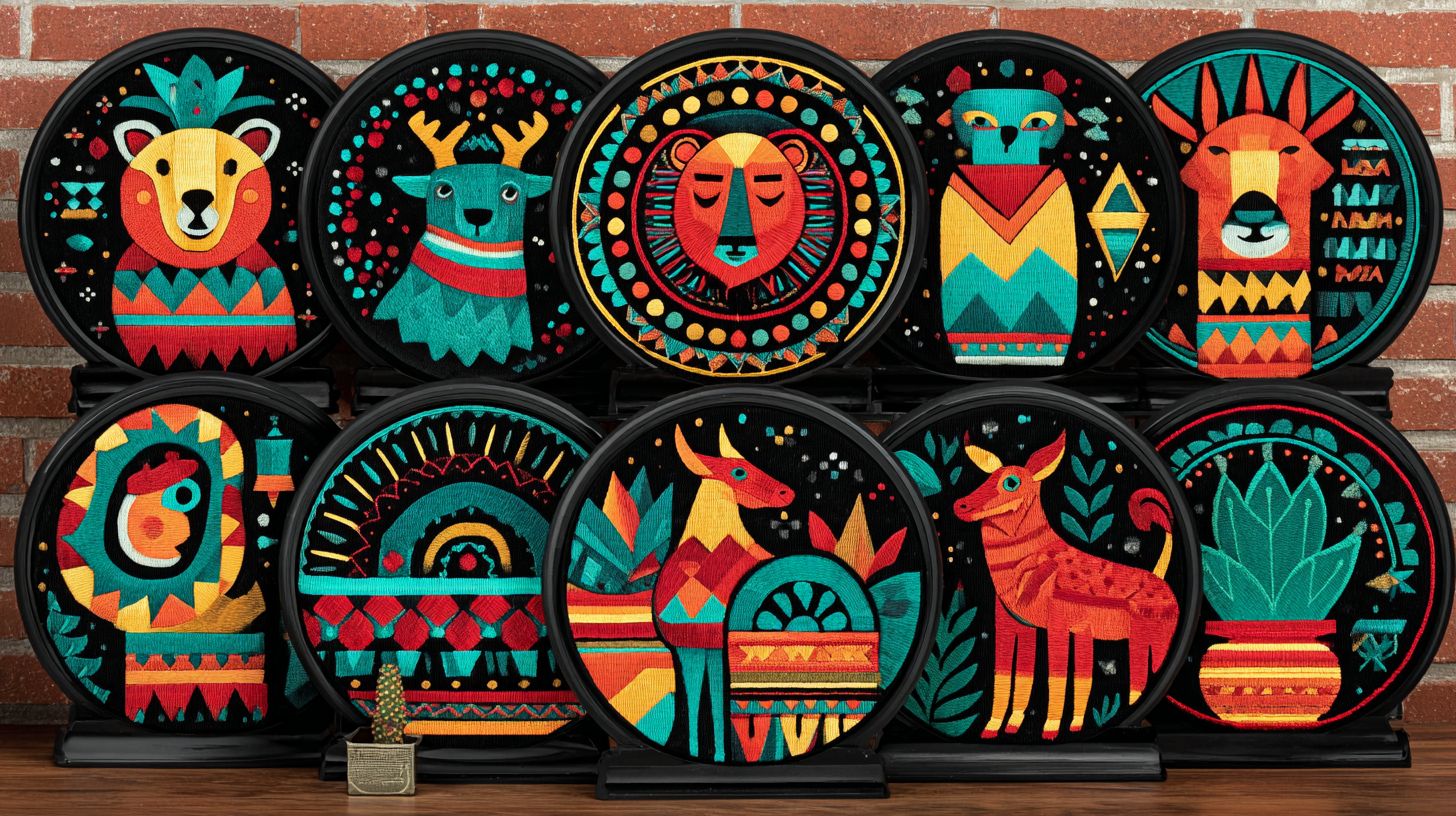
Match DMC threads to your design: 938 for burnt umber fox fur, 5200 for snow accents, Ecru for branches. Use thread conversion charts for alternatives. Limited colors keep beginners focused.
Wind bobbins in matching shades. Test on scrap fabric to check vibrancy. This step ensures animal patterns pop against backgrounds.
Stitching Sequence and Final Reveal
Load the embroidery file and hoop fabric taut. Sequence: placement stitch, appliqu, tackdown, then satin fills and outlines. Pause to trim threads between steps.
Finish with French knots for texture and backstitch accents. The before shows blank fabric, after displays a vibrant owl perched on moss. Frame or sew onto a tote for everyday use.
Finding Free Embroidery Designs Online
Thousands of beautiful embroidery patterns await at no cost across reputable websites. Beginners can explore free embroidery designs tailored for machine embroidery in formats like PES and DST. These sites offer floral designs, animal patterns, and holiday motifs ready for Brother or BERNINA machines.
Many platforms provide free downloads with simple access, often requiring just a quick sign-up. Look for collections featuring in-the-hoop projects, appliqu patterns, and monograms. Always check commercial use policies to ensure designs fit personal or small business needs.
Specialties vary by site, from vintage patterns to seasonal designs with PDF instructions and stitch guides. Users enjoy themed collections like woodland creatures or garment projects. Start with beginner patterns to practice core stitches such as satin stitch and running stitch.
Some resources include stitch tutorials and thread conversion charts. Join related Facebook groups or newsletters for updates on new free designs. This roundup highlights top sites for building your pattern library without cost.
AnnTheGran.com
AnnTheGran.com offers a generous selection of free embroidery designs in their downloads section. Specialties include floral motifs and holiday patterns perfect for seasonal projects. Files come in multiple formats like PES and DST for easy use with embroidery machines.
Downloads require a free account registration, often via newsletter subscribe. Commercial use is typically allowed for personal projects, but review terms for sales. Pair designs with their stitch tutorials for beginners practicing backstitch or French knot.
Designs by JuJu
Designs by JuJu provides weekly free embroidery patterns updated regularly. Focus on fun animal designs and in-the-hoop appliqu for quick makes. Formats support Brother machines and include printable PDF instructions.
Access needs a simple sign-up through email. Most designs permit personal use, with some commercial options noted. Ideal for garment projects featuring playful motifs like woodland creatures.
Creative Fabrica Free Section
The free section at Creative Fabrica features hundreds of machine embroidery designs refreshed monthly. Specialties cover monograms, floral designs, and vintage patterns. PES and DST files work well with BERNINA machines.
No subscription required for free downloads, though a login enhances access. Commercial use varies by design, so check individual licenses. Great for themed collections with stitch guides included.
Embroidery Legacy
Embroidery Legacy specializes in classic embroidery patterns available as free downloads. Expect heirloom-style floral and holiday motifs in DST format. Perfect for beginners exploring satin stitch projects.
Direct access without sign-up on many files. Personal use is standard, with limited commercial allowances. Includes thread conversion charts for easy setup.
Royal Present Embroidery
Royal Present offers free designs in large themed packs, like animal patterns and seasonal designs. Formats include PES for broad machine compatibility. Many come with PDF instructions for appliqu.
Newsletter subscribe unlocks full collections. Commercial use permitted on select patterns. Suited for magnetic hoops and in-the-hoop techniques.
Additional Top Sites
Explore Swiss Miss Designs for playful free embroidery like holiday patterns and monograms. Jinny Beyer Studio shares quilting-inspired floral motifs in PES. Both require minimal sign-up and focus on personal use.
Threads Monthly provides monthly freebies with stitch tutorials. Etsy free sections often list beginner patterns from sellers like those offering John Deere themes. Always verify commercial policies before use.
8. Top Websites for 1000+ Free Patterns
Ready to build your pattern library without spending a dime? These top websites offer 1000+ free embroidery designs for immediate download. Beginners can grab floral motifs, animal patterns, and holiday designs in PES or DST formats right away.
Each site specializes in certain themes like holiday motifs or woodland creatures. They support machines from Brother and BERNINA with easy access. Focus on these for quick wins in your machine embroidery projects.
Download beginner patterns for garment projects or in-the-hoop appliqu. Many include stitch tutorials and PDF instructions. Build themed collections without hassle.
- Brother Heart Stitches: Specializes in holiday patterns and seasonal designs; instant free downloads for festive monograms and PES files.
- Stickbr: Focuses on animal designs like woodland creatures; offers 1000+ free embroidery patterns in DST format for Brother machines.
- Embroidery Legacy: Huge collection of vintage patterns and floral designs; direct access to free downloads with commercial use options.
- AnnTheGran: Provides in-the-hoop projects and appliqu patterns; 1000+ free designs including stitch guides for beginners.
- Designs by JuJu: Features themed collections like animal patterns and holiday motifs; easy free embroidery file downloads for BERNINA machines.
Start with these sites for free downloads that match your embroidery machines. Test core stitches like satin stitch or running stitch on simple designs first.
Choosing the Perfect Design for Your Project
Picture your finished towel, baby blanket, or t-shirt. Now work backwards to perfect design selection. Start with your project’s size, fabric, and intended use to guide your choices from free embroidery designs.
Many beginners fall for common myths when picking embroidery patterns. Bigger is better often fails due to hoop limits on machines like Brother or BERNINA. A large floral design might not fit a standard 4×4 hoop, causing distortion or incomplete stitching.
Another myth is that complex equals professional. Match designs to your skill level with beginner patterns like simple monograms or in-the-hoop appliqu. For a garment project, choose lightweight animal designs to avoid puckering on t-shirt fabric.
Any format works is false. Ensure compatibility with PES format for Brother machines or DST for others. Use source project examples, like holiday motifs on home decor towels versus delicate floral motifs on baby blankets, for the right fit.
Myth 1: Bigger Designs Always Look Better
Large embroidery designs overwhelm small hoops. A 10×10 inch woodland creatures pattern exceeds most beginner embroidery machines, leading to resizing issues. Stick to hoop-sized free downloads for smooth results.
For garment projects like t-shirts, select compact vintage patterns. These fit magnetic hoops easily and prevent fabric bunching. Test scale with stitch tutorials before committing.
Myth 2: Complex Patterns Prove Your Skill
Intricate machine embroidery suits advanced users, not beginners. Overloading a towel with dense satin stitch fills causes thread breaks. Opt for core stitches like running stitch in simple seasonal designs.
On home decor like blankets, pick floral designs with French knot accents. These build confidence without frustration. Follow PDF instructions for balanced layering.
Myth 3: All File Formats Are Universal
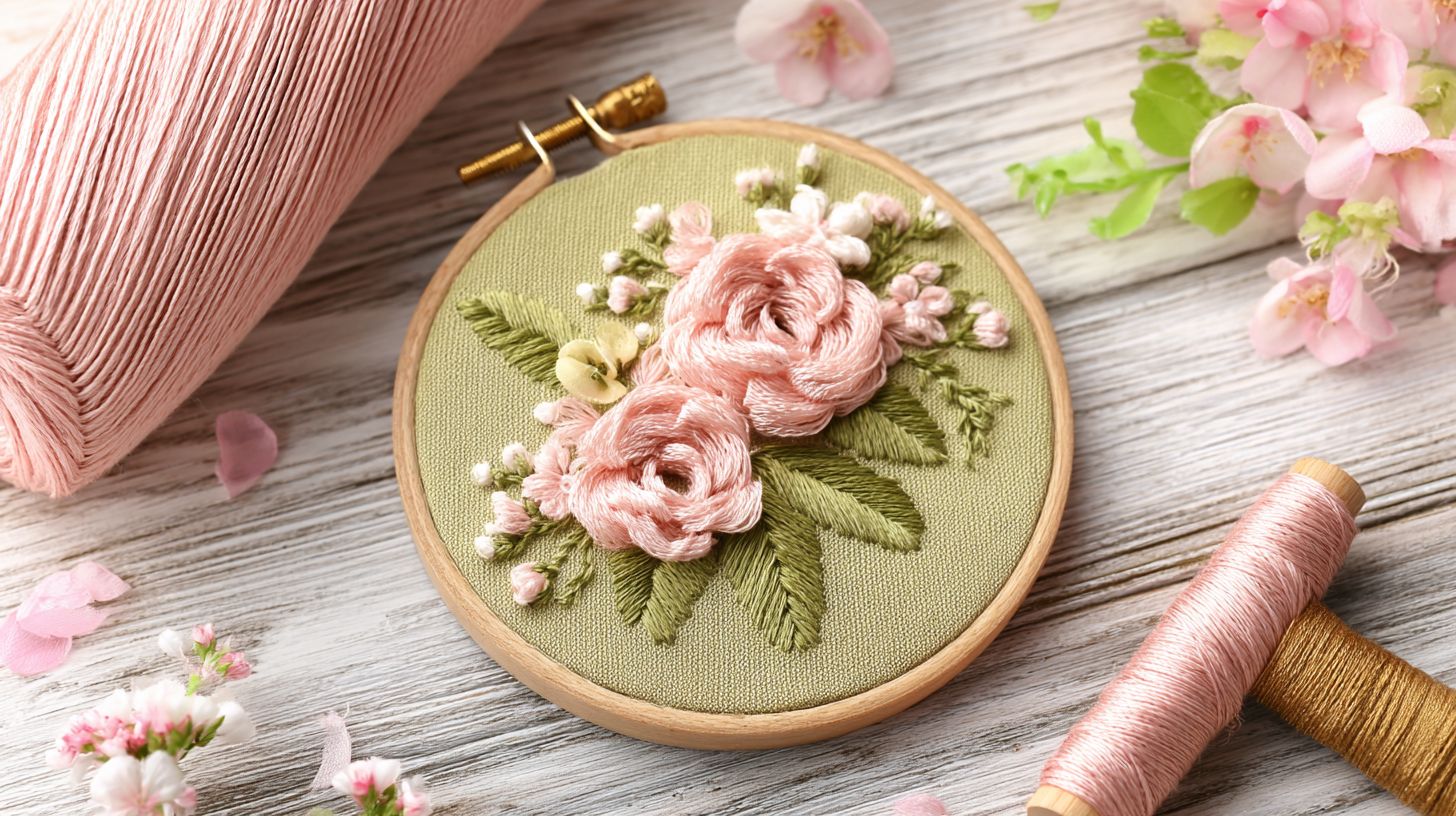
Not every embroidery file works across machines. PES format suits Brother, while DST fits BERNINA. Mismatched files from sites like Creative Fabrica or AnnTheGran halt projects mid-stitch.
Verify format in the pattern library before downloading free designs. For John Deere themed t-shirts, convert if needed using thread conversion charts. This ensures compatibility.
Myth 4: Any Design Fits Every Fabric
Heavy holiday patterns ruin lightweight baby blankets. Dense animal patterns pucker t-shirt knits. Choose based on fabric weight for garment versus home decor.
Light monograms excel on towels with backstitch outlines. Use stitch guides to match density. This prevents poor results on stretchy materials.
Myth 5: More Colors Mean Higher Quality
Multicolor themed collections demand precise hooping. Beginners struggle with alignment on Embroidery Legacy designs. Limit to 4-5 colors for control.
Single-color stem stitch florals shine on blankets. They reduce thread changes and errors. Focus on clean lines over rainbow effects.
Myth 6: Free Designs Lack Professional Polish
Free embroidery from Designs by JuJu rivals paid options. Check for commercial use rights and included printable PDF previews. Many offer embroidery digitizing quality.
Join a Facebook group or design club for tips on in-the-hoop projects. Test on scraps first. These resources elevate beginner outcomes without cost.
10. Essential Tips for Downloading Designs
Download smarter, not harder with these 8 essential strategies. Beginners often grab free embroidery designs without a plan, leading to cluttered files and mismatched projects. These tips help you build a smart pattern library for machine embroidery.
Focus on sites like Embroidery Legacy, AnnTheGran, and Designs by JuJu for reliable free downloads. Look for formats like PES format for Brother machines or DST format for BERNINA machines. Always match files to your embroidery machines.
Organize by themed collections such as floral designs, animal designs, or holiday motifs. This keeps in-the-hoop projects and appliqu patterns easy to find. Test designs on scrap fabric before garment projects.
- Subscribe to newsletters for exclusives like seasonal monograms and vintage patterns from Creative Fabrica.
- Join design clubs or Facebook groups for beginner patterns and stitch tutorials.
- Download during sales for premium embroidery patterns at low cost.
- Organize by collection, grouping woodland creatures or floral motifs together.
- Check thread charts and thread conversion for colors in satin stitch or French knot.
- Save stitch guides and PDF instructions with core stitches like backstitch or stem stitch.
- Backup files to avoid losing animal patterns or holiday patterns.
- Test small first on magnetic hoops with running stitch samples.
11. Beginner Stitching Tips for Free Patterns
Your free design deserves perfect execution. Start with these stitching fundamentals to bring your embroidery patterns to life. Beginners often overlook preparation, yet it ensures smooth results on floral designs or animal patterns.
Follow this step-by-step stitching guide for your first project with free downloads. Gather fabric, stabilizer, threads, and hoops before starting. This process works well for PES format files on Brother machines or BERNINA machines.
Troubleshoot common issues like thread breaks by checking tension and needle type. Practice on scrap fabric first with beginner patterns from sites like Embroidery Legacy or AnnTheGran. These tips apply to in-the-hoop projects and appliqu patterns alike.
- Hoop your fabric with stabilizer tightly for even tension.
- Set up threads using DMC conversion charts for accurate colors.
- Prep the machine with MaggieFrame hoops for stability.
- Monitor stitch-out closely and pause if needed.
- Finish with trimming and pressing techniques.
1) Hooping Fabric and Stabilizer
Start by selecting cut-away stabilizer for most free embroidery designs. Place it under your fabric, then hoop both layers snugly without stretching. This prevents puckering in holiday motifs or seasonal designs.
Center the embroidery file in your machine software before hooping. Use a template from printable PDF instructions if available. For garment projects, hoop tear-away stabilizer to avoid marks.
2) Thread Setup with DMC Conversion
Match your machine threads to DMC conversion charts. Use them for free patterns. Polyester threads last longer in machine embroidery. They are great for monograms or vintage patterns. Wind bobbins fully. This avoids interruptions.
Test colors on scrap fabric first. Do this for floral motifs or woodland creatures. Adjust for sheen differences between brands. This helps you get vibrant results in themed collections.
3) Machine Prep Using MaggieFrame Hoops
Load your design in DST or PES format into the machine. Attach MaggieFrame hoops. They give quick and secure placement. Calibrate the needle over the center mark.
Clean the bobbin case. Oil moving parts lightly. Preheat the machine for 10 minutes if needed. These steps help Brother machines handle in-the-hoop projects well.
4) Stitch-Out Monitoring
Start stitching. Watch the first few hundred stitches closely. Pause to trim jump threads on complex holiday patterns. Keep the area free of lint. This keeps tension even.
Listen for odd sounds. They signal problems. Use slow speed for basic stitches like satin stitch on beginner patterns. This helps catch issues early.
5) Finishing Techniques and Troubleshooting Thread Breaks
When done, remove it from the hoop. Trim excess stabilizer close to the stitches. Press from the wrong side with a cloth. This sets the design. Use fray-check on edges for appliqu patterns.
For thread breaks, rethread fully. Check if the needle is sharp. Lower tension a bit if puckering happens. Increase it for loose stitches. Practice French knots or backstitches separately first.
Avoiding Common Mistakes with Downloads
Even experienced stitchers lose time on preventable download errors. Beginners often feel frustrated by simple mistakes with free designs. Learn these tips. They help you have smooth projects from the start.
Common problems are wrong formats. For example, PES works for Brother machines. DST works for others. High stitch counts can strain your machine. Bad habits cause tangled files and lost patterns.
Follow a quick checklist before you stitch. Test designs on scrap fabric first. Check stitch tutorials and PDF guides from sites like Embroidery Legacy or AnnTheGran.
Organize patterns in folders. Make ones for floral designs, animal designs, and holiday motifs. This saves time later. Preview files in your machine’s software to spot errors early.
1. Wrong File Format Mismatch
Many beginners download free embroidery files without checking if they fit. A PES design won’t work on BERNINA machines. They need DST. This stops your project early.
Match formats to your machine. Use PES for Brother. Use DST for many others. Sites like Creative Fabrica or Designs by JuJu offer multi-format files. Download the right version for your brand.
2. Ignoring Stitch Counts
High stitch counts in complex floral motifs or in-the-hoop projects can strain your machine. Skip this check, and you get thread breaks and uneven stitches. Check counts in file details first.
Choose lower counts for beginner patterns. Try simple monograms under 5000 stitches. Use software to preview and adjust. This makes embroidery smooth.
3. Poor Organization of Files
Files pile up without folders. Floral designs mix with holiday ones. You waste time searching for woodland creatures. Create themed folders now.
Sort into folders for animal patterns, seasonal designs, and appliqu. Name files clearly, like floral-motif-rose-PES. Join a Facebook group for library tips.
4. Copyright Violations
Free designs are often for personal use only. Do not use them for sales. Holiday motifs on sale items can cause legal trouble. Read terms from sites like John Deere or Embroidery Legacy.
Check for commercial use labels. Use truly free downloads with no limits. This keeps your projects safe and builds good habits.
5. Skipping Stabilizer Guides
Wrong stabilizers make vintage patterns pucker. Many free designs have PDF guides. Follow them for tear-away or cut-away types.
Match stabilizer to fabric. Use cut-away for stretchy knits in animal designs. Test on scraps using stitch guide tips. This gives crisp satin and backstitch edges.
6. Wrong Hoop Selection
Pick a hoop too small for large designs. This causes rehooping and misalignment. Magnetic hoops help. But check size first. Look at design dimensions in previews.
Choose hoops that match file size. Try 5×7 for most beginner floral motifs. Use PDF templates to mark spots. This suits themed collections.
7. No Test Stitching
Skip tests on scrap. You risk ruined garments from wrong thread colors. French knots may not look right. Always test a sample first.
Stitch designs on similar fabric. Use your thread colors. Adjust density if running stitches look thin. This finds problems before the final piece.
Frequently Asked Questions
What are free embroidery designs for beginners?
They are digital patterns. You get them for free. They suit new machine embroiderers. Designs include simple flowers, animals, and text. Download them fast. Stitch on fabric with your machine. They have easy instructions. Your first projects will look good.
Where can I find free embroidery designs for beginners online?
Try sites like EmbroideryDesigns.com and FreeEmbroideryDesign.net. Check Pinterest or Reddit’s r/Machine_Embroidery too. They have PES or DST files. Look at user reviews. Pick trusted sites to avoid malware.
What types of designs are there?
You get floral patterns like daisies and roses. There are cute animals, text quotes, simple logos, and shapes. They fit small 4×4 hoops. Practice on bags, pillows, or clothes.
How do I download and use them?
Go to a good site. Pick a pattern. Click download. Files are DST or PES. Put them on a USB stick. Insert into your machine. Hoop stabilized fabric. Start stitching. Test on scrap first for size and color.
What file formats do they use?
Most are DST or PES. DST works for Brother, Babylock, and Janome. PES works for Brother and Babylock. They are stitch files for machines. Use free online converters if needed.
Are they safe and legal?
Yes, from good sites. They are legal for personal use. Many are creative commons or public domain. Do not sell them. Use sites with clear rules. Scan files with antivirus. Credit designers if asked.